Short answer
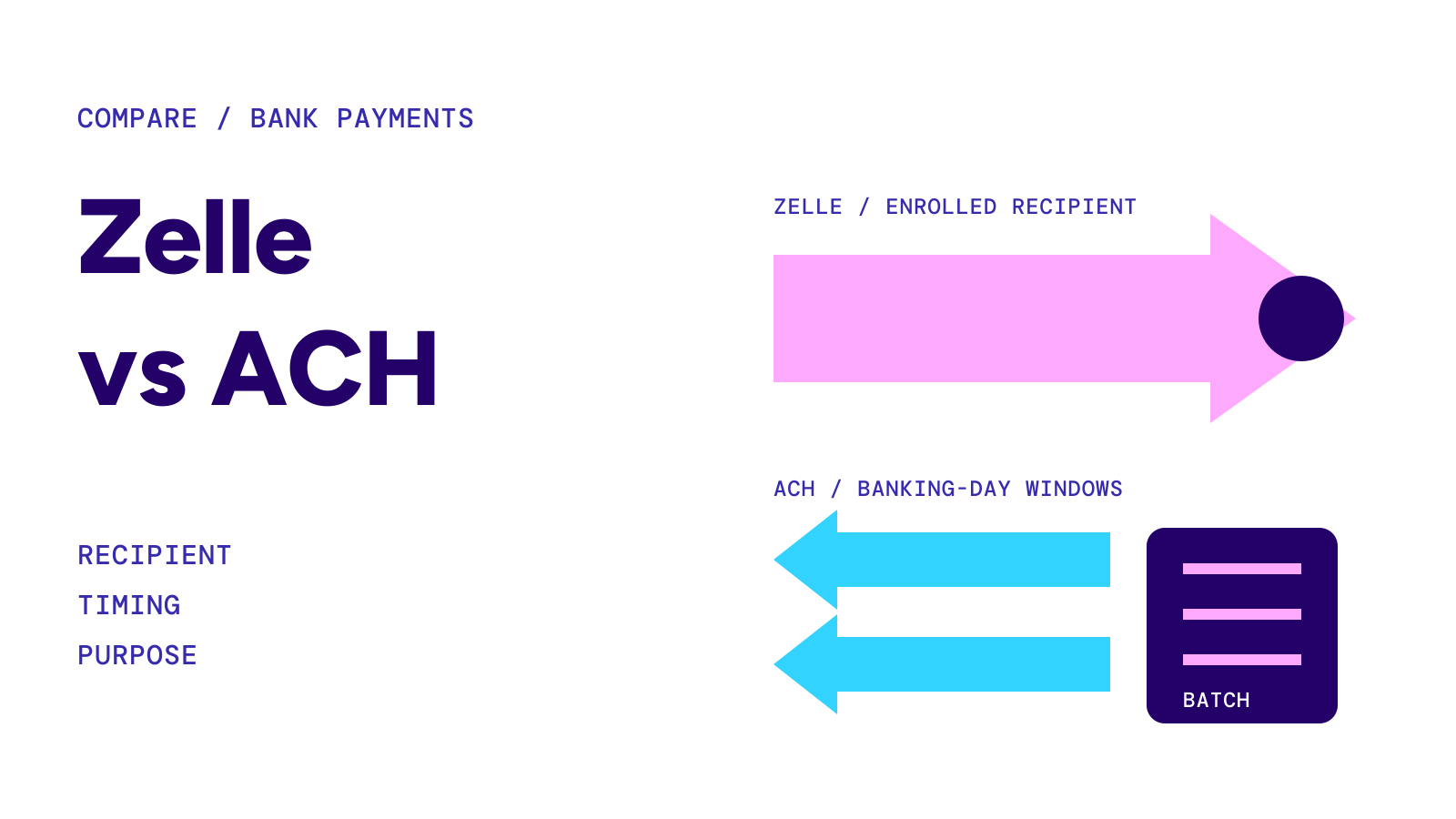
Zelle vs Venmo comes down to where the money lands. Zelle moves money from one U.S. bank account straight into another, typically within minutes, with limits your bank sets and no purchase protection. Venmo puts money in the recipient’s Venmo balance, usually right away, with its own weekly limits, a fee for instant cash-out and Purchase Protection on eligible purchases.
On this page
Both are fast, both are free for an ordinary payment from a bank account, and neither lets you pull back a completed payment you authorized. The differences are in the second step, the limits and what happens when a purchase goes wrong.
At a glance
- ZelleBank-to-bank, inside over 2,400 bank and credit union apps
- VenmoApp account with its own balance; cash-out to a bank is a separate step
- Zelle feesTypically none for consumers (confirm with your bank)
- Venmo fees$0 from a bank, debit card or balance; 3% from a credit card; 1.75% for Instant Transfer out (min $0.25, max $25)
- Venmo limits$299.99 a week unverified; up to $60,000 a week verified
- Purchase protectionZelle none; Venmo on eligible purchases marked as goods and services
Sources: Zelle: Are there any fees?, Zelle: paying someone you don’t know, Venmo: Fees, Venmo: Personal Profile Payment Limits, Venmo: Purchase Protection · Checked on September 30, 2026
Side by side
| Zelle | Venmo | |
|---|---|---|
| Where the money lands | Recipient’s bank account | Recipient’s Venmo balance |
| Separate app account | No (inside your bank’s app or online banking) | Yes |
| Send by | Email or U.S. mobile number | Venmo username, phone number or email |
| Typical speed | Within minutes to an enrolled recipient | Right away in most cases |
| Fee to send from a bank account | Typically none (bank may differ) | $0 |
| Fee to send from a credit card | Not a Zelle option | 3% |
| Fee to get money into a bank | None needed (already in the bank) | Free standard (1–3 business days); 1.75% instant, min $0.25, max $25 |
| Sending limit | Set by your bank | $299.99 a week unverified; up to $60,000 a week verified |
| Purchase protection | No | Yes, on eligible goods and services payments |
| Cancel a payment | Only if the recipient has not enrolled | Only while it is pending (“Take Back”) |
| Unclaimed payment | Expires after 14 days, money returns | Canceled after 30 days, money returns |
| Send abroad | No (both sides need U.S. bank accounts) | To eligible PayPal accounts abroad, 5% fee (min $0.99, max $4.99) plus up to 4% on the currency conversion |
Sources: Zelle: Help Center, Zelle: Can I cancel a payment?, Zelle: recipient hasn’t enrolled, Venmo: Fees, Venmo: Payments & Requests FAQ, Venmo: My outgoing payment is Pending, Venmo User Agreement · Checked on September 30, 2026
How each one works
Zelle is a payment network built into the apps and online banking of participating banks and credit unions. You send to an email address or U.S. mobile number, and the money goes into the bank account behind the recipient’s Zelle profile. Zelle says it is in over 2,400 bank and credit union apps and that both sender and recipient need U.S. bank accounts. For the basics, see what is zelle.
Venmo is an app account run by PayPal. A payment goes into the recipient’s Venmo balance. From there they can spend it, send it on, or transfer it to a linked bank account or debit card. Venmo’s fee page says PayPal is not a bank.
Speed
Zelle says money is “typically available to an enrolled recipient within minutes”. If the recipient has not enrolled, the payment waits; after 14 days it expires and the money returns to the sender. See how long does zelle take.
Venmo says a payment “reaches the recipient’s Venmo account right away in most instances”, but a payment funded from a bank account may need up to 5 business days and shows as Pending while it waits. Moving the money on to a bank adds a step: a free standard transfer typically completes within one business day and can take up to three; an Instant Transfer typically arrives within 30 minutes, for a fee.
Timeline
- Zelle, minute 0you send from your bank’s app
- Zelle, within minutesthe money is in an enrolled recipient’s bank account
- Venmo, minute 0you send; in most cases it is in the recipient’s Venmo balance right away
- Venmo, cash-outInstant Transfer typically within 30 minutes (1.75% fee), or a free standard transfer in 1–3 business days
Sources: Zelle: How long does it take?, Venmo: Payments & Requests FAQ, Venmo: Bank Transfer Timeline, Venmo: Instant Bank Transfer FAQ · Checked on September 30, 2026
Fees
Zelle says that, typically, there are no fees for consumers to send or receive, and recommends confirming with your bank or credit union.
Venmo charges nothing to send money to a Venmo or U.S. PayPal account from your balance, debit card or bank account. Paying with a credit card costs 3%. Instant Transfer to a bank or debit card costs 1.75% (minimum $0.25, maximum $25); the standard transfer is free. A payment the sender marks as goods and services costs the seller 2.99%. For the three apps’ cash-out fees, see instant transfer fee.
Limits
Zelle’s limits are your bank’s, so they differ from one bank to the next. One example: Wells Fargo’s Zelle terms allow consumer accounts $3,500 in a rolling 24 hours and $20,000 in a rolling 30 days. Look up your bank in the banks that use zelle table.
Venmo publishes its own: an unverified personal profile can send $299.99 in a rolling week; after identity verification, up to $60,000 a week. Transfers out to a bank are capped at $999.99 a week unverified, or $5,000 per transfer and $19,999.99 a week verified. Details in venmo limit.
Sources: Wells Fargo: Zelle Transfer Service Addendum (effective September 15, 2026; limits checked September 27, 2026), Venmo: Personal Profile Payment Limits, Venmo: Personal Profile Bank Transfer Limits · Checked on September 30, 2026
Buying from someone: purchase protection
This is the biggest practical difference.
Zelle says it “does not offer purchase protection”, for example if you do not receive the item or it is not as described, and recommends not using Zelle to pay someone you do not know or when you are not sure you will get what you paid for. Your bank may offer something under its own terms.
Venmo offers Purchase Protection on eligible purchases: payments to a business profile, Venmo Debit Card and in-app or QR code purchases, and payments you mark as goods and services before sending. If an eligible item never arrives, arrives damaged or is not what you bought, Venmo says it may reimburse the price plus original shipping. The seller pays 2.99%. Payments sent as ordinary personal payments are not covered, and neither are vehicles, real estate and rent, financial products, crypto, gift cards, donations or items picked up in person (except in-person QR code purchases).
Sources: Zelle: paying someone you don’t know, Zelle: Security, Venmo: Purchase Protection, Venmo: Purchase Protection Eligibility · Checked on September 30, 2026
When something goes wrong
Wrong recipient. Zelle payments to an enrolled recipient cannot be canceled or reversed; you can cancel only while the recipient has not enrolled. See can you cancel a zelle payment. On Venmo you can tap Take Back while a payment is still pending; money returns to a bank account in up to 5 business days and to a card in up to 7. For a payment that was not marked as a purchase, Venmo asks you to contact its support team as soon as possible.
Stuck payment. On Zelle, “pending” usually means the recipient has not enrolled (see zelle payment pending). On Venmo, it usually means the recipient has not finished setting up an account or a bank-funded payment needs time (see venmo payment pending).
Warning
Neither service can pull back a payment you authorized once it is complete. Zelle says to send only to people you know and trust. Venmo says it will never ask for the code sent to your phone or ask you to send money to “verify” your account. If you paid a scammer, report it to your bank or to Venmo right away, and at ReportFraud.ftc.gov. For Zelle scams, see zelle scam refund.
Sources: Zelle: Can I cancel a payment?, Venmo: My outgoing payment is Pending, Venmo: Buying and Selling FAQ, Venmo: Common Scams · Checked on September 30, 2026
Which fits which situation
This site does not pick a winner. The published facts point to these fits:
- Straight into a bank account: if both people bank with a Zelle participant, Zelle does it without a cash-out step.
- Paying a seller you do not know: Venmo’s Purchase Protection can apply if the purchase is eligible and marked as goods and services; Zelle offers none.
- Recipient without Zelle: Venmo works without Zelle enrollment and gives a balance and debit card in the app.
- Large amounts: check your bank’s Zelle limit and your Venmo verified limit before you rely on either.
For Zelle against Cash App, see zelle vs cash app. This comparison reports what Zelle and Venmo publish. It is not financial advice.