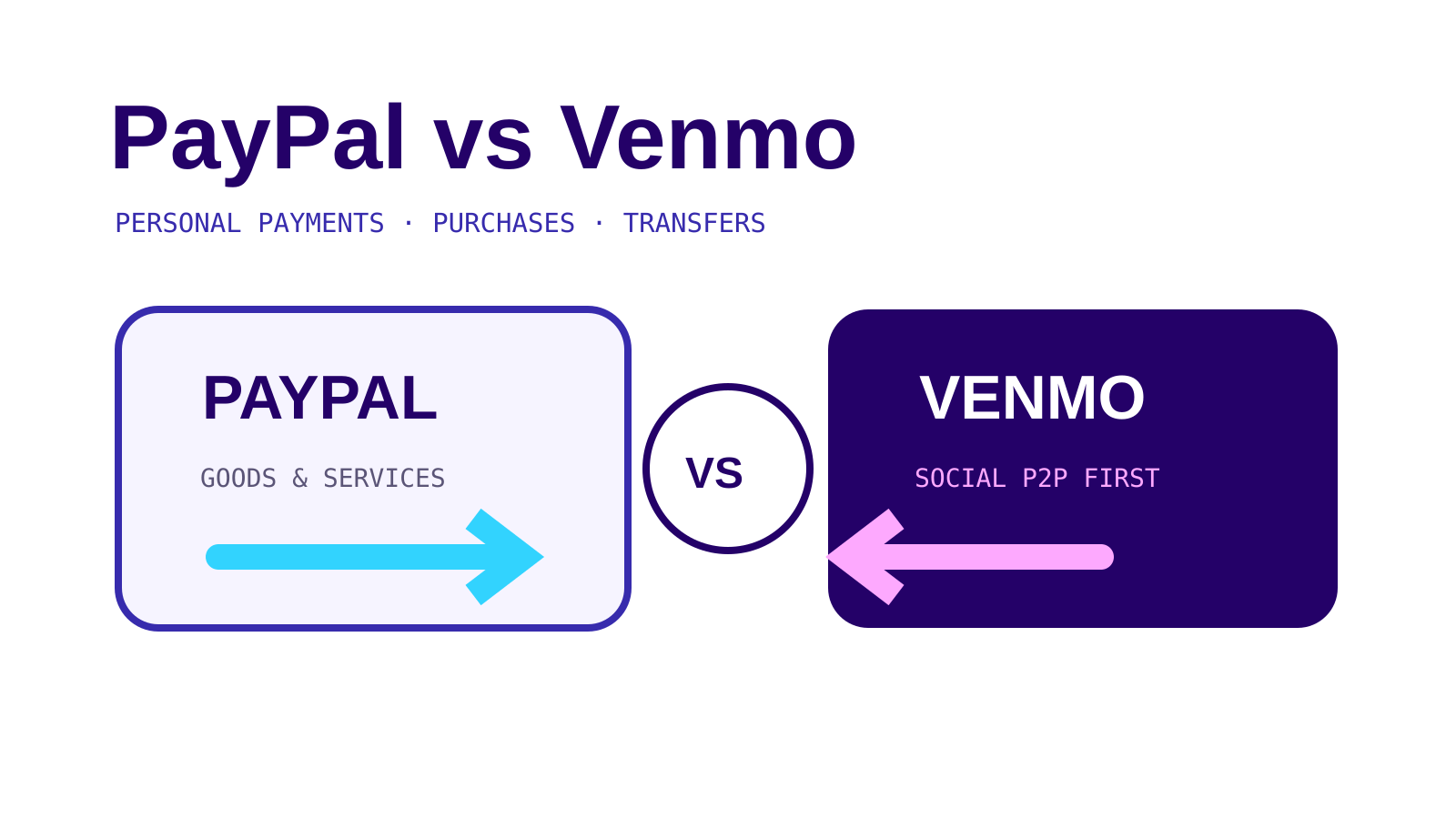
PayPal vs Venmo is not a contest with one winner. PayPal is built around a broader checkout and account system, while Venmo’s US app centers on person-to-person payments and authorized purchases. The payment type matters more than the logo.
Short answer
Use either app for a personal payment to someone you know. For a purchase, use PayPal Goods and Services or an eligible Venmo payment to an authorized business profile or a personal profile explicitly tagged as a purchase. Never disguise a purchase as a personal payment to avoid a seller fee.
On this page
PayPal vs Venmo at a glance
| Question | PayPal | Venmo |
|---|---|---|
| Domestic personal payment from balance or bank | No PayPal fee | Available in the Venmo app; check the app before sending |
| Personal payment funded by card | 2.90% plus a fixed fee | Check the funding-source fee shown in the app |
| Purchase protection | Eligible Goods and Services payments | Eligible business-profile payments or personal-profile payments tagged as purchases |
| Seller charge for a direct business payment | Merchant rate depends on PayPal product | 1.9% + $0.10 for a direct Venmo account payment to a business profile |
| Published personal spending limit | Account-specific PayPal limits apply | $299.99 weekly before identity verification; up to $60,000 weekly after verification |
| Best fit | Checkout, purchases and personal transfers | Mobile-first personal transfers and approved Venmo purchases |
Fees and limits change. This comparison uses PayPal and Venmo pages checked October 24, 2026. The review screen controls the transaction in front of you.
Personal payments
PayPal calls a transfer between friends and family a personal transaction when there is no purchase, donation or other commercial purpose underneath it. Its US consumer fee page says a domestic personal payment funded from a PayPal balance or bank account has no PayPal fee. A card-funded domestic personal payment costs 2.90% plus a fixed fee.
Venmo lets a personal profile pay or request money in the app. Its public limits page separates verified and unverified profiles. An unverified personal profile has a $299.99 weekly spending limit. After identity verification, Venmo says it is possible to send up to $60,000 per week, although a payment can still be declined for other reasons.
Those figures are not directly comparable. One is PayPal’s fee schedule; the other is Venmo’s public spending ceiling. Check the amount, funding source, recipient and fee on the final screen.
Purchases are a different payment type
A personal payment is not a shortcut for buying goods.
On PayPal, choose Goods and Services when the transaction is a purchase. PayPal says eligible purchases may be covered when an item does not arrive or is significantly not as described. Personal Friends and Family payments are not covered by PayPal Purchase Protection.
On Venmo, a purchase can go to an authorized business profile. A buyer may also see a toggle to tag a payment to a personal profile as a purchase. Venmo says an eligible tagged purchase can receive Purchase Protection and the recipient pays the associated seller fee.
Venmo also says it may be unable to recover funds or merchandise from a purchase that was not approved or identified as a purchase. If a seller asks you to turn the purchase toggle off, the cheaper label can remove the protection route.
For the PayPal distinction in detail, see PayPal Friends and Family.
Seller costs
Venmo publishes a standard seller fee of 1.9% + $0.10 for a direct payment from another Venmo account to a business profile. The fee is deducted from the payment. Venmo says those seller fees are not refunded when the business refunds the customer.
PayPal merchant pricing varies by payment product and checkout method. This guide does not quote one PayPal merchant rate as if it covered every product. A seller should use the current PayPal business fee schedule for the checkout being offered.
Both services prohibit relabeling commercial activity as an ordinary personal transfer. The correct comparison is between the actual purchase flows, not between a protected purchase and an incorrectly coded personal payment.
Limits
Venmo’s public limit is straightforward enough to use in a comparison: $299.99 per week before identity verification and up to $60,000 per week after verification. That $60,000 figure is a possible weekly ceiling, not a promise that every payment will go through.
PayPal directs users to the limits visible in their account and transaction flow. Instead of borrowing a number from a different product, check the sending limit displayed for your own account.
A high public ceiling is not the same as instant availability. Funding-source holds, account reviews and bank-transfer timing can still affect a payment. If a transfer does not move, start with the app-specific guide: PayPal payment pending or Venmo payment pending.
Privacy and payment notes
Venmo offers Public, Friends and Private payment privacy settings. Its help page says the more restrictive setting selected between the two payment participants applies. The setting controls who can see the payment activity; it does not change whether the payment is personal or commercial.
A private note is still part of the transaction record. Do not put passwords, full account numbers or sensitive identity information in it.
Which one should you use?
Choose PayPal when
- the seller offers PayPal checkout;
- you need the Goods and Services purchase flow;
- you are paying a person or business that already uses PayPal;
- the transaction involves a PayPal product whose current terms you can review.
Choose Venmo when
- both people already use Venmo for a genuine personal transfer;
- the seller has an authorized Venmo business profile;
- the purchase toggle is available and the transaction is eligible;
- the Venmo review screen shows an acceptable fee and limit.
The safest choice is the flow that describes the real transaction. A personal label does not turn a purchase into a protected payment.