Short answer
A Zelle payment pending in your banking app usually means the recipient has not enrolled the email address or US mobile number you sent to. While it is pending, you can cancel it. If the recipient does not enroll within 14 days, the payment expires and the money returns to you.
On this page
A payment to someone already enrolled with Zelle normally completes in minutes, so a pending status points to a mismatch or a hold. Below: what the status means, how to tell which case you are in, and what you can and cannot do about it.
At a glance
- Most common causeRecipient has not enrolled the email or number used
- Can you cancelYes, while the recipient is not enrolled
- When it expiresAfter 14 days without enrollment; money returns to you
- Completed statusMoney is in the recipient’s account; cannot be reversed
- Who can explain a holdYour bank, not Zelle
Source: Zelle Help Center · Checked on September 26, 2026
Pending vs completed
Your bank’s app shows the status of every Zelle payment. The two that matter:
| Status | What it means | What you can do |
|---|---|---|
| Pending | The payment has not reached an enrolled account, or a bank is holding it | Check the contact; cancel if the recipient is not enrolled |
| Completed | The money is in the recipient’s bank account | Nothing through Zelle; payments cannot be reversed |
Source: Zelle: I sent money and it was never received · Checked on September 26, 2026
Why a Zelle payment stays pending
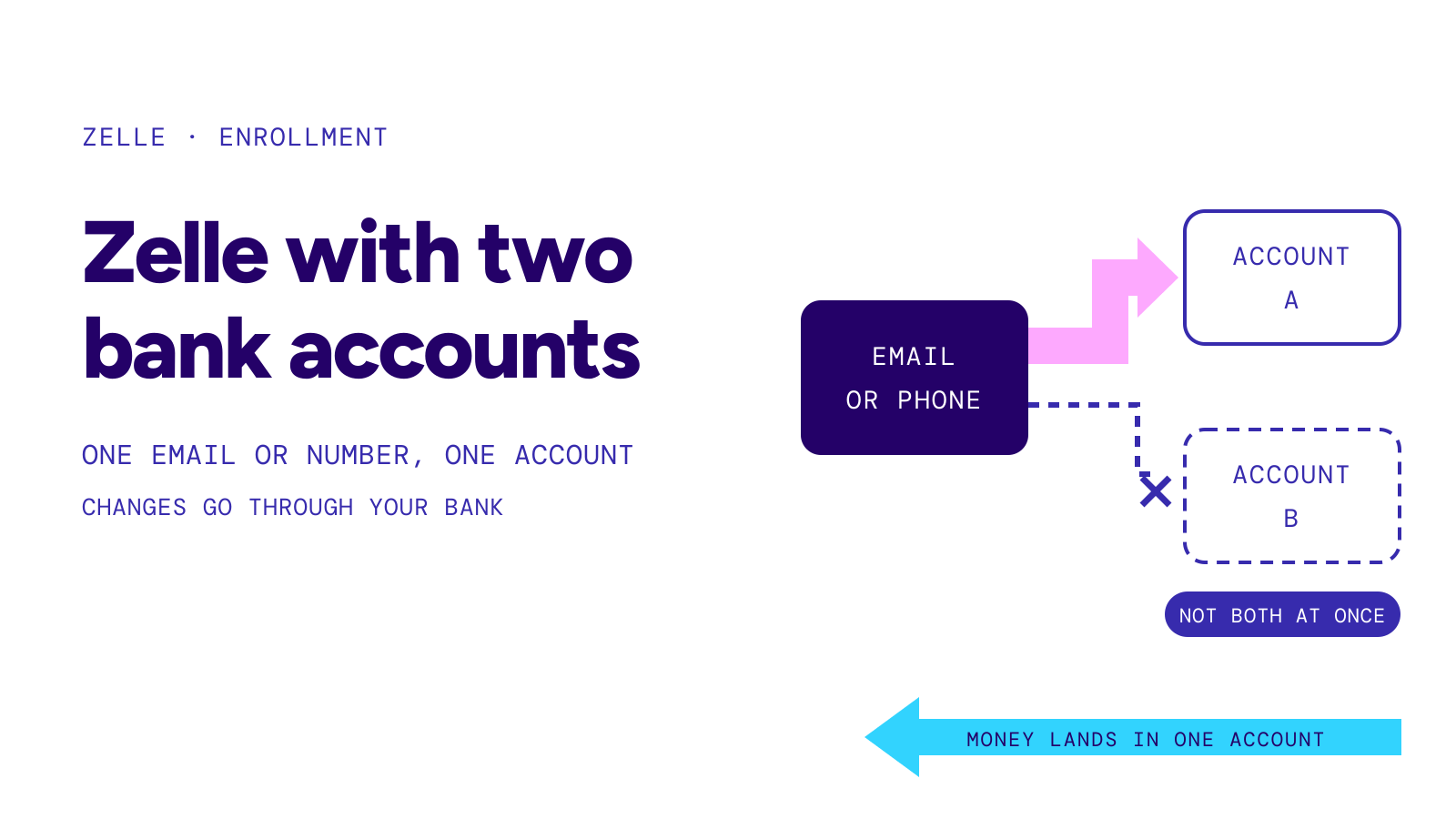
The recipient has not enrolled. They get a text or email saying money is waiting. The payment completes after they enroll with a participating bank or credit union.
You used a different email or number. A person can be enrolled with one email and receive your payment at another. To Zelle, that second address is not enrolled. Ask the recipient which contact they registered.
A bank is reviewing it. Banks run their own checks on Zelle payments and set their own limits. Only your bank or the recipient’s bank can say why a payment is held and for how long.
It is a scheduled payment. A payment set for a future date waits until that date, then follows your bank’s delivery terms.
What to do, in order
- Ask the recipient which email or US mobile number they enrolled. Compare it with the payment details in your app.
- If it does not match, cancel the payment. Open your Zelle activity, pick the payment and choose to cancel it. This works only while the recipient has not enrolled.
- Send again to the correct contact.
- If it matches and the payment is still pending, call your bank. Use the number on your card or in the app.
- If you are the recipient, enroll the exact email or number the sender used, or ask your bank to add it to your Zelle profile.
Warning
If anyone asks you to pay a fee, upgrade an account or send more money “to release” a pending Zelle payment, treat it as a scam and call your bank. Zelle says qualifying imposter scams may be eligible for reimbursement; report them to your bank.
If nothing happens for 14 days
If the recipient never enrolls, the payment expires after 14 days and the funds go back to your account. You do not need to do anything for that to happen.
Timeline
- Day 0you send; the recipient gets a text or email
- Day 0–14the payment waits; you can cancel it
- Any time the recipient enrollsthe money goes to their account
- Day 14without enrollment, the payment expires and returns to you
Source: Zelle: What if the person hasn’t enrolled? · Checked on September 26, 2026
Read next: How long does Zelle take and What is Zelle.