Short answer
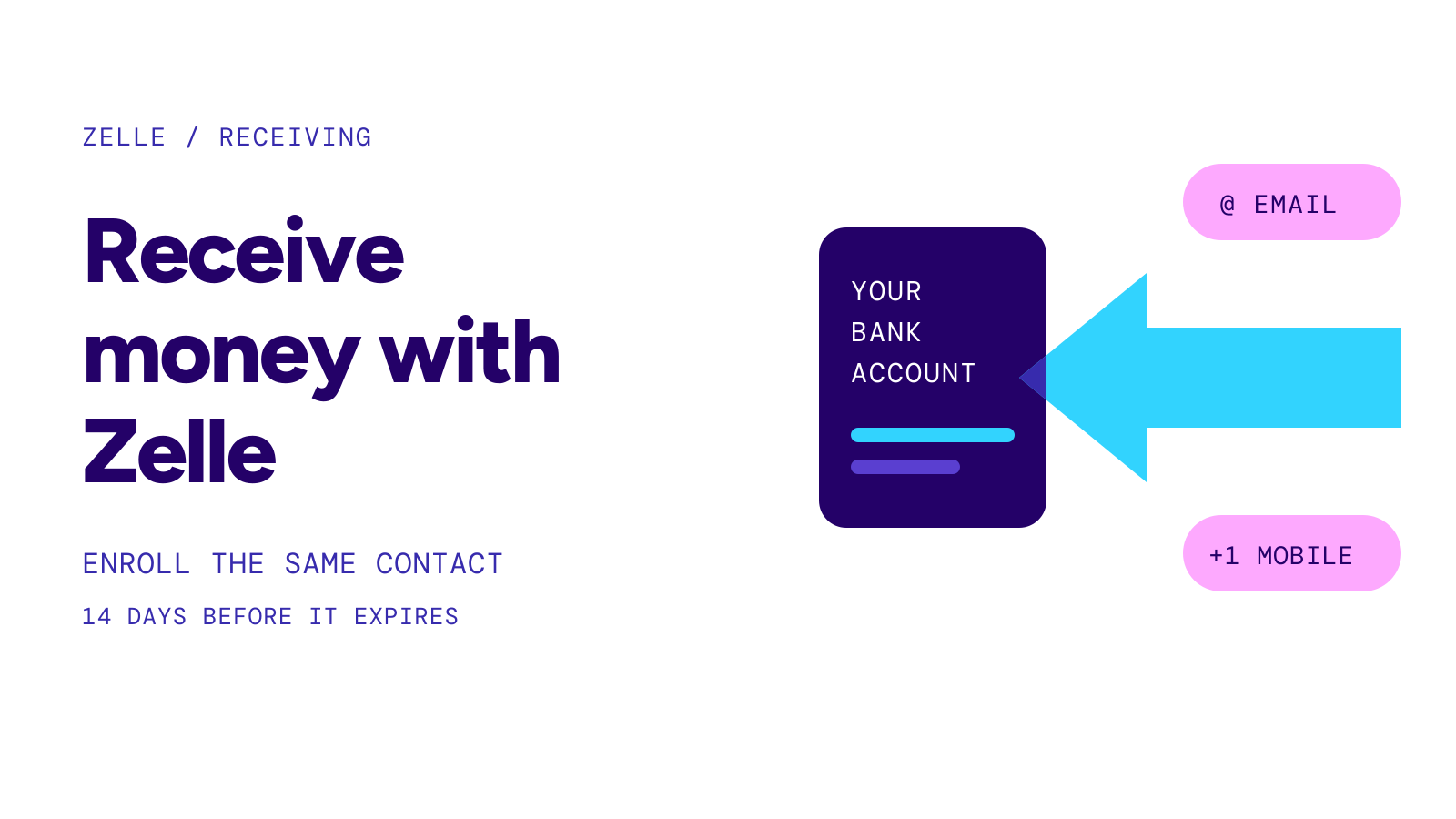
To receive money with Zelle, the email address or U.S. mobile number the sender used must be enrolled with Zelle at your bank or credit union. If it already is, the money goes straight into your account, usually within minutes, with nothing to accept. If it is not, enroll that exact contact in your banking app within 14 days, or the payment expires and goes back to the sender.
On this page
At a glance
- Already enrolledNo action needed; the money is deposited into the account linked to that email or number
- Not enrolledEnroll the same email or U.S. mobile number the sender typed, through a bank or credit union that offers Zelle
- Deadline14 days to enroll, then the payment expires and returns to the sender
- TimingTypically minutes for an enrolled recipient; Zelle suggests checking your enrollment after three days
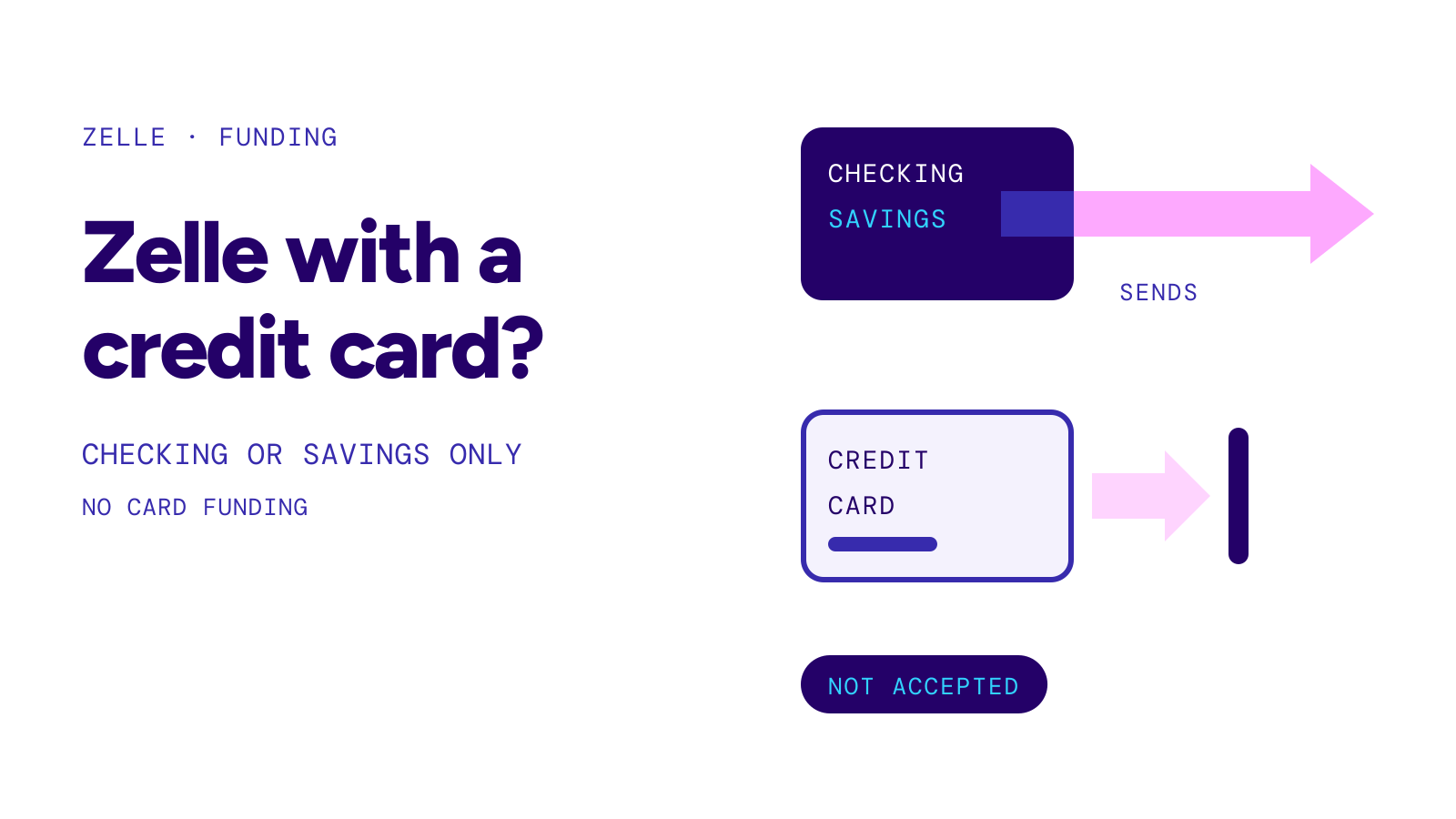
- What you needAn eligible checking or savings account at a participating U.S. bank or credit union
- Fee99.40% of linked consumer accounts pay no fee to send, receive or request (Zelle survey, Q1 2026)
Source: Zelle: How to Receive Money With Zelle, October 9, 2026 · Zelle FAQ: What if the person hasn’t enrolled? · Checked on October 20, 2026
This guide is for the person being paid. If you sent a payment and it shows as pending, see zelle payment pending; for normal delivery times, see how long does zelle take. If you need to ask someone to pay you first, see how to request money on zelle.
If you are already enrolled
Zelle says there is no separate step to accept a payment. Money sent to an enrolled email address or U.S. mobile number is deposited into the eligible account connected to it, typically within minutes. You may get an email or text notice, sent by Zelle or by your bank.
To confirm the money arrived, sign in to your bank’s app or online banking and look at the account activity. Zelle calls that the most reliable confirmation.
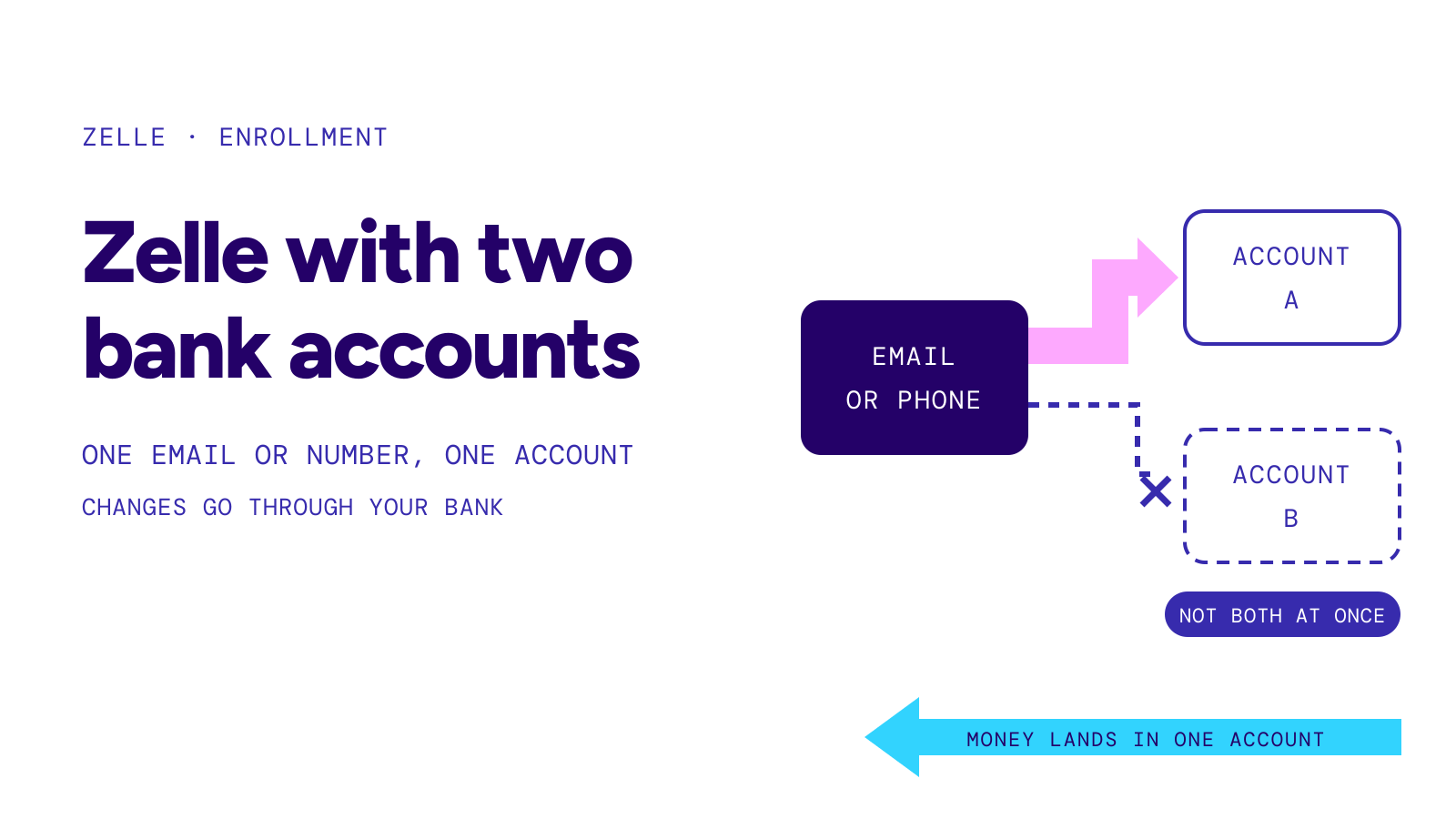
Give the sender the exact email or number you enrolled. Zelle’s own example: if the sender used your mobile number and you enrolled only your email address, the payment may not reach your account.
If you are not enrolled yet
An unenrolled recipient gets an email or text telling them money is waiting. Zelle’s steps:
- Check that your bank or credit union offers Zelle. Zelle’s list of participating banks and our banks that use zelle table show who does.
- Open your banking app or online banking and find Zelle, often under “Send Money”, “Pay & Transfer”, “Transfers” or “Move Money”.
- Enroll the same email address or U.S. mobile number the sender used.
- Pick the checking or savings account that should receive the money.
There is no standalone Zelle app for consumers any more; enrollment happens inside a bank’s or credit union’s app or website.
Timeline
- Day 0The sender sends the payment; you get an email or text
- Before day 14You enroll the exact email or number in your banking app
- After enrollmentThe money is deposited; U.S. Bank says a first payment after enrollment lands within one to two business days
- Day 14 without enrollmentThe payment expires and the money returns to the sender, who has to send it again
Source: Zelle FAQ · U.S. Bank: How does my recipient receive money with Zelle? · PNC: Guide to using Zelle · Checked on October 20, 2026
U.S. Bank adds that a Zelle profile left unused for 18 months is deactivated; you can enroll again to receive money.
How long it takes, and what banks say about receiving
For an enrolled recipient, Zelle says money is typically available within minutes. Banks can describe slower cases. Chase’s Zelle Service Agreement, last updated October 16, 2026, says payments may arrive as Standard Payments in one to two business days depending on the recipient’s enrollment and bank, and gives 11:00 PM ET on business days as its cutoff time for receiving payments from other banks.
Limits on receiving are set by banks, not by Zelle. Chase’s agreement says it does not currently limit the dollar amount you can receive each day, and Discover’s Zelle addendum says there is no limit on the number or amount of transfers you receive, though Discover may require you to be enrolled for some time before you can receive. Sending limits are a separate matter; see the Chase Zelle limit page for one bank’s tiers.
Source: Chase Zelle Service Agreement, last updated October 16, 2026 · Discover Zelle User Agreement Addendum · Checked on October 20, 2026
The money has not arrived
Zelle’s checklist, in order:
- Ask the sender which email address or U.S. mobile number they used, and compare it letter by letter with what you gave them.
- Confirm that this exact contact is enrolled with Zelle at your bank.
- Make sure you finished every enrollment step your bank asked for.
- Look at the activity in your banking app, not only your messages.
- Ask the sender to check the payment’s status in their app: pending, completed or needing action.
- If it still has not appeared, contact the bank or credit union where you use Zelle.
If the sender’s app shows the payment as completed, Zelle says the money is already in the recipient’s account. Check whether the contact is enrolled at another bank where you have an account: zelle not working covers “already enrolled” and moving an enrollment.
Warning
Zelle warns against anyone who says you must send money, pay a fee or share a code before you can receive a payment. Open Zelle from your bank’s own app rather than a link in an unexpected text. If you were tricked, see zelle scam refund.