Short answer
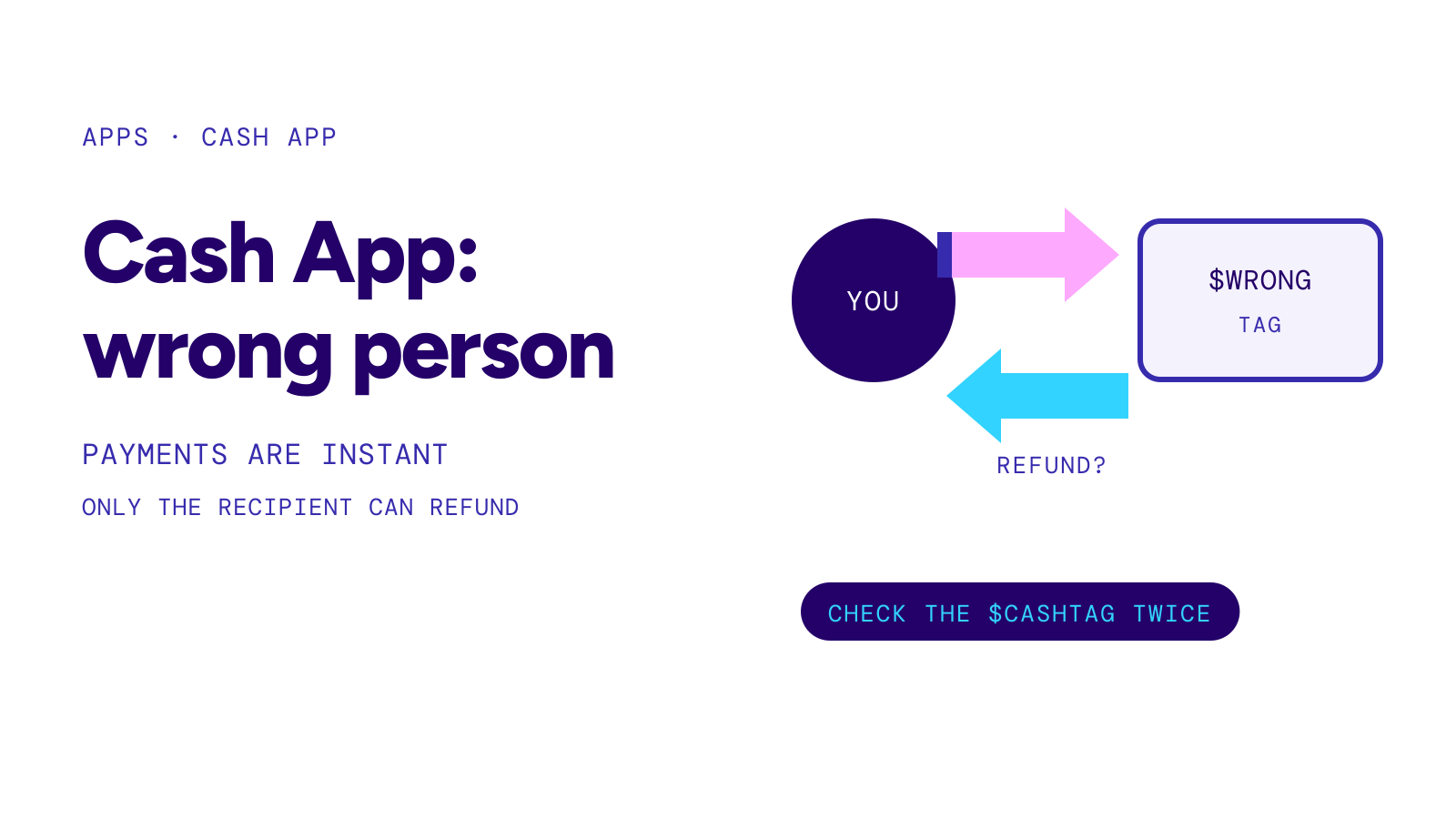
If Cash App sent money to the wrong person, Cash App itself cannot cancel or refund a completed payment. Open the payment in Activity and check for a cancel option first. If there is none, ask the recipient for a refund: within 30 days through Report an Issue on the payment, after 30 days with a Request for the same amount. If they do not respond, you may not get the money back.
On this page
First, check whether the payment can still be canceled
Cash App says payments between Cash App accounts are instant and usually cannot be canceled. To be sure, open the Activity tab, select the payment and look for the option to cancel. If it is there, use it. If it is not, the payment is complete, and only the person who received it can send it back.
Write down the amount, the date and the $cashtag, phone number or email you sent to before you do anything else. You will need them for the request and, if it comes to it, for Support.
Ask for the money back
Timeline
- Day 0you send the payment to the wrong $cashtag, phone number or email
- Within 30 daysActivity, select the payment, Report an Issue, choose a reason, tap Next
- After 30 daysenter the amount on the home screen, tap Request, fill in To and For, tap Request again
- If the recipient acceptsthe money returns to your Cash App balance immediately
Source: Cash App: I sent money to the wrong account · Checked on October 26, 2026
The recipient can also refund the payment directly: in Activity they select the payment, choose Refund and press Confirm. If you know the person, tell them that this is the route Cash App describes, so they do not send you a new, separate payment instead.
Source: Cash App: Canceling a payment · Checked on October 26, 2026
Warning
Cash App says that if the recipient does not respond to the refund request, you may be unable to recover your funds.
Contact Cash App Support
Cash App lists in-app chat around the clock and a phone line, (800) 969-1940, available daily from 8:00 AM to 9:30 PM ET.
Cash App says its Support team will never ask for your sign-in code or PIN, never ask you to send a payment, make a purchase or run a test transaction, and never ask you to download a remote access app. Anyone who does is not Cash App.
Sources: Cash App: I sent money to the wrong account, Cash App: How to avoid scams · Checked on October 26, 2026
If someone sent the wrong payment to you
Cash App warns about a “mistaken or accidental payment” scam: someone sends you money and asks you to send the same amount back, then disputes the original payment with their bank or card, so they are reimbursed twice. Cash App’s advice is to refund the payment itself rather than create a new payment, to decline payment requests from people you do not know, and to block the sender if it happens again.
Source: Cash App: Avoiding common scams · Checked on October 26, 2026
How to avoid it next time
Cash App’s own checklist: send only to people you know, verify the recipient’s name before sending, double-check the spelling of $cashtags, and check the phone number or email for typos. Cash App also suggests turning on Security Lock, so every payment needs your passcode, Touch ID or Face ID.
The same problem works differently on other apps and on Zelle. See venmo wrong person and can you cancel a zelle payment. If the payment has not completed yet, start with cash app payment pending.