Short answer
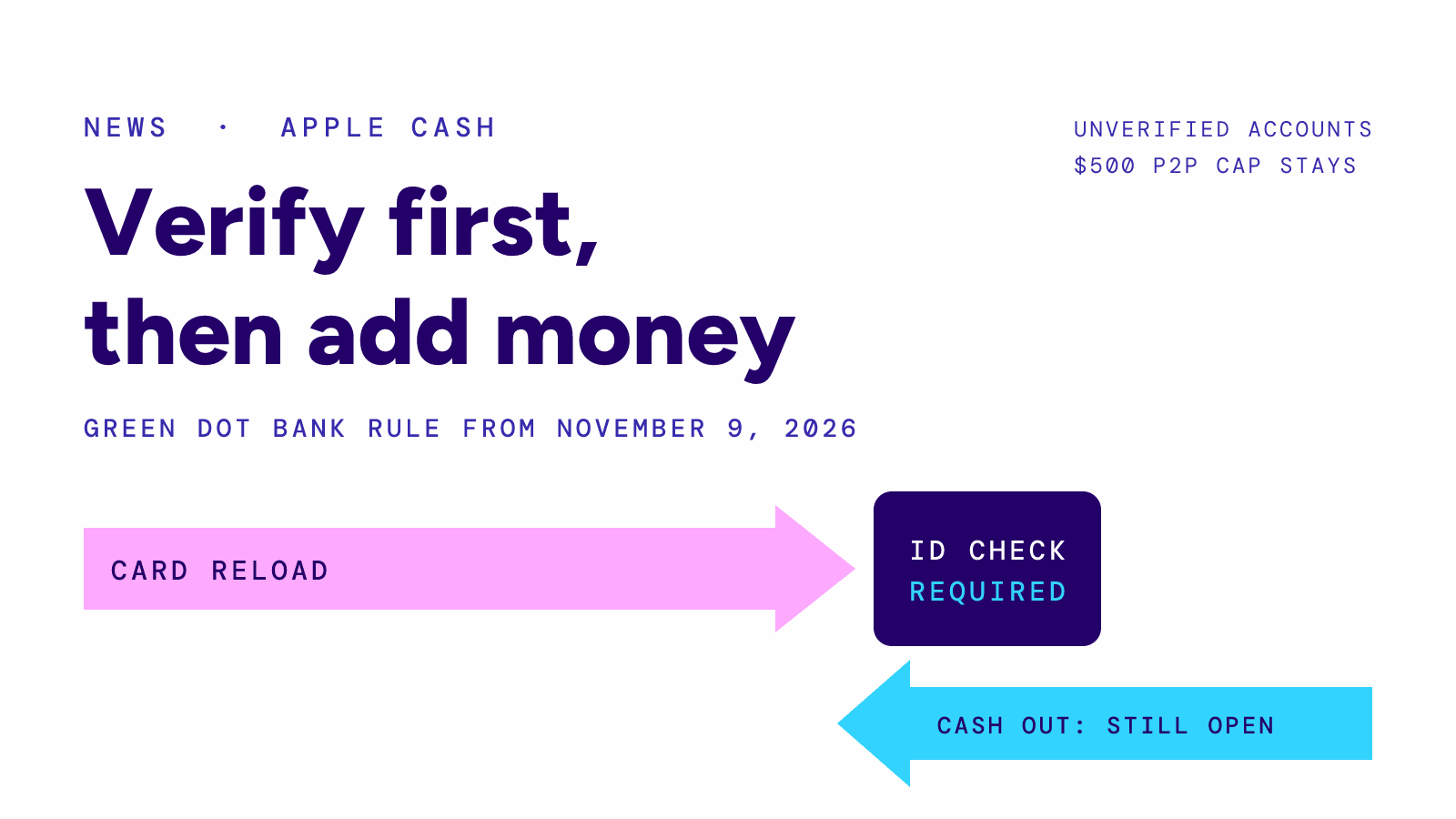
Since November 9, 2026, an Apple Cash account that has not passed identity verification can no longer add money from a debit or prepaid card, and it can receive only its first person-to-person payment. Green Dot Bank, which provides Apple Cash, set the rule in its Apple Cash Terms and Conditions. Money already in the balance stays usable.
On this page
What changed
- Adding money from a card, unverified accountnow blocked until you verify
- Receiving payments, unverified accountno new payment once you have received one or added money from a card
- Sending or receiving more than $500 by P2P, unverified accountstill blocked, as before
- FromNovember 9, 2026, rolling out to accounts from that date
- WhoApple Cash users who have not verified their identity with Green Dot Bank
Source: Apple Cash Terms and Conditions, Green Dot Bank · Checked on November 14, 2026
What an unverified account can and cannot do now
The terms list what Green Dot Bank holds back until it verifies who you are. The new item is the fourth one: “starting November 9, 2026, and on a rolling basis thereafter,” an unverified account may not load the Apple Cash balance with a supported payment card, or receive a P2P transfer if it has already received one or already added money from a card.
| Action | Unverified account | Verified account |
|---|---|---|
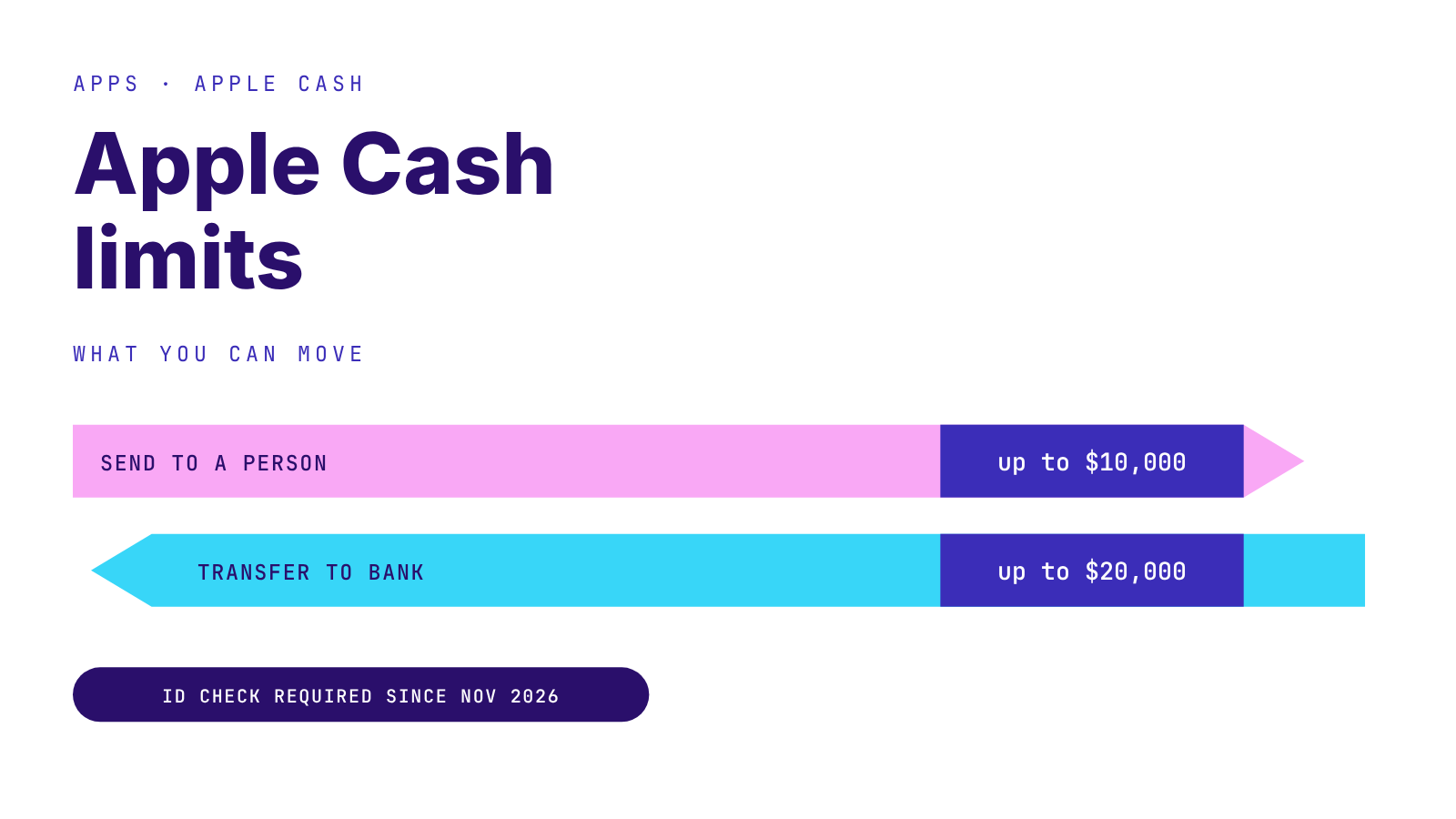
| Add money from a debit or prepaid card | No | $10 to $10,000 per transaction, up to $10,000 per 7 days |
| Receive a person-to-person payment | Only the first one, within the $500 total | $1 to $10,000 per payment, up to $10,000 per 7 days |
| Send a person-to-person payment | Up to $500 in total | $1 to $10,000 per payment, up to $10,000 per 7 days |
| Pay with Apple Pay from the balance | Yes | Yes |
| Transfer the balance to your bank | Yes | Yes, $1 to $10,000 per transfer, up to $20,000 per 7 days |
| FDIC insurance on the balance | No | Yes, if the deposit insurance rules are met |
Sources: Apple Cash Terms and Conditions, Apple: Verify your identity for Apple Card or Apple Cash, Apple Cash transfer limits · Checked on November 14, 2026
The weekly limits run over a rolling 7-day period. Apple Cash Family accounts have their own lower caps, such as $2,000 per 7 days for payments, and the family organizer may need to verify when setting them up.
Green Dot also says that until an account is registered, it may not research or resolve errors on it, and the balance is not eligible for FDIC insurance. That matters more than the reload rule if you keep money in Apple Cash for weeks.
How this plays out
Say you set up Apple Cash, skipped verification, and a friend sends you $40 for dinner. That first payment lands. If a second friend sends you $25 a few days later, the terms no longer let an unverified account receive it, and adding $50 from your debit card fails as well. You can still spend the $40 with Apple Pay or move it to your bank for free, which takes 1 to 3 business days.
Once you verify, the same account can take both payments and the card reload, inside the weekly limits in the table.
How to verify your identity
- On iPhone, open the Settings app, tap Wallet & Apple Pay, then tap your Apple Cash card.
- Scroll down and tap Verify Identity, then follow the steps. In iOS 27 you can tap Continue with ID in Wallet if your driver’s license is already in Wallet.
- If you do not see Verify Identity, your account is already verified.
Apple says you may be asked to verify again later, even after an earlier check. If verification fails several times, or several accounts are tied to one Social Security number, Apple says the account can be restricted: you can still spend the balance or move it to your bank, but you cannot send, receive or add money. When an account is under review, Apple says the review takes up to 2 business days.
Source: Apple: Verify your identity, Apple: If your Apple Cash account is restricted or locked · Checked on November 14, 2026
Warning
Apple’s own instructions start verification from Settings or the Wallet app on your device. If a text, email or caller sends you a link to “verify your Apple Cash”, do not use the link: open Settings yourself and check whether Verify Identity is there.
If you would rather not verify
You do not lose the money already in the account. Apple says an account that cannot be verified can still pay with Apple Pay in stores, apps and on the web, and can transfer its balance to a bank. A standard transfer to a US bank account is free and most arrive in 1 to 3 business days. An Instant Transfer to an eligible debit card costs 1.7%, with a $0.25 minimum and a $25 maximum.
If the people who pay you use other apps, compare limits and fees in Apple Cash vs Venmo and instant transfer fee. To move money from Apple Cash into another app, the route goes through your bank, as explained in how to transfer money between payment apps. More app guides are on the payment apps hub.
This item explains a change in published terms; it is not financial advice.