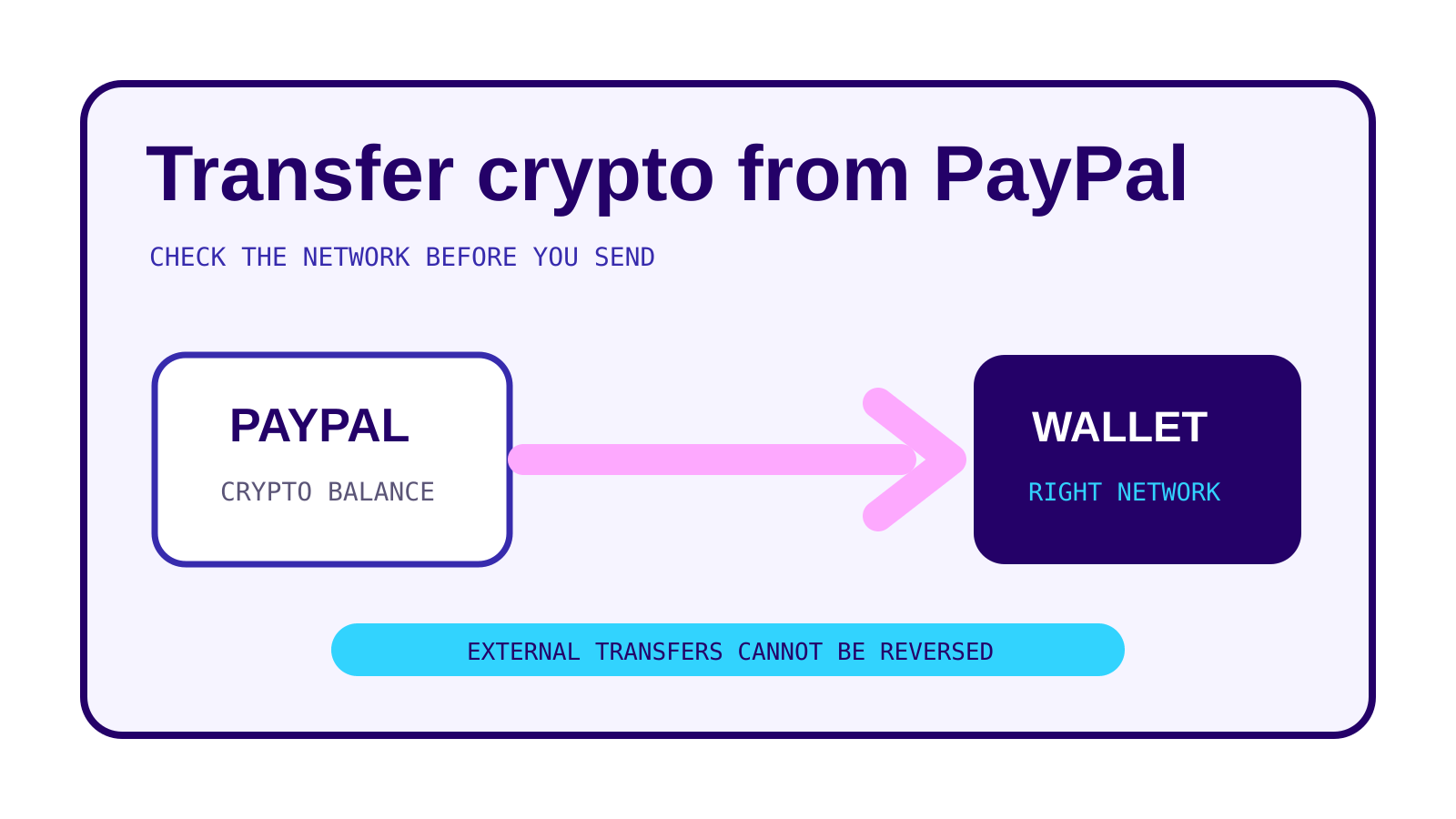
PayPal crypto transfer instructions are simple, but the irreversible part deserves more attention than the taps. Confirm the asset, receiving address and blockchain network before you send. PayPal says a completed external transfer cannot be cancelled or reversed.
Short answer
In PayPal, open Finances, choose the crypto balance, tap the transfer arrows, then Send. Paste or scan the destination address, choose the amount, review the network details and submit only after the destination wallet confirms it supports that asset and network.
On this page
How to transfer crypto from PayPal
PayPal’s US help page gives this sequence:
- Open the Finances tab.
- Choose the crypto balance.
- Tap the transfer arrows and select Send.
- Pick a PayPal contact or enter an external wallet address.
- Paste the address or scan its QR code.
- For PYUSD, review the blockchain network confirmation.
- Enter the crypto amount or a dollar amount.
- Review the details and tap Send Now.
A dollar entry is converted into an approximate crypto amount. The recipient receives crypto, not a guaranteed dollar value. The dollar value can change while the transfer is being processed.
The address is only half of the destination
An address can be valid on one network and useless on another. PayPal supports network selection for PYUSD. Its help page says PYUSD can be sent to supported Ethereum, Solana and Arbitrum destinations. The receiving wallet must support both PYUSD and the selected network.
The same rule applies whenever a wallet asks for a memo, destination tag or similar extra field. PayPal notes that some networks require additional information. If the receiving service displays one, copy it together with the address. Do not guess it.
Before sending a large amount:
- confirm the receiving service supports the exact asset;
- confirm the network shown by the receiving service matches PayPal;
- paste or scan instead of retyping;
- compare the first and last characters of the address;
- send a small test transfer when the receiving service permits it.
Our guide to sending crypto safely explains the address and network checks. If a transfer has already gone to the wrong destination, see wrong network or wrong address.
Limits and minimums
PayPal states that US consumer and merchant crypto transfers have a maximum of $25,000 per week for internal and external transfers. The consumer limit resets on Thursday; the merchant limit resets on Monday.
An internal transfer has a minimum of $0.01. External minimums are denominated in the asset. On the page checked October 24, 2026, PayPal listed:
| Asset and network | External minimum |
|---|---|
| Bitcoin | 0.001 BTC |
| Ether | 0.01 ETH |
| Litecoin | 0.01 LTC |
| Bitcoin Cash | 0.01 BCH |
| PYUSD on Ethereum | 10 PYUSD |
| PYUSD on Solana or Arbitrum | 1 PYUSD |
| Chainlink on Ethereum | 1 LINK |
| Solana | 0.01 SOL |
These are platform rules, not blockchain protocol minimums. Recheck the review screen because PayPal can change the supported assets, networks or minimums.
Fees depend on what you are doing
Sending existing crypto from PayPal to an external address incurs a blockchain network fee. PayPal displays the fee before submission. Network fees vary; they are not the same as PayPal’s transaction fee for buying or selling crypto.
PayPal also offers a separate flow inside supported external wallets. There, an eligible US customer can buy crypto with PayPal and send it to the wallet in one transaction. PayPal’s help page distinguishes that purchase from withdrawing crypto already held in the PayPal Crypto Hub. For the one-step purchase, the applicable purchase fee, transfer percentage and network fee are disclosed in that flow. Do not apply those charges to an ordinary transfer of existing crypto without checking the review screen.
The broader mechanics are in network fees and confirmation times.
Why a transfer may be unavailable
PayPal lists several reasons the transfer feature may be disabled or delayed:
- the account has a negative balance;
- a recent crypto purchase funded by bank transfer has not cleared;
- the account or transaction needs an additional review;
- the asset or destination network is not supported.
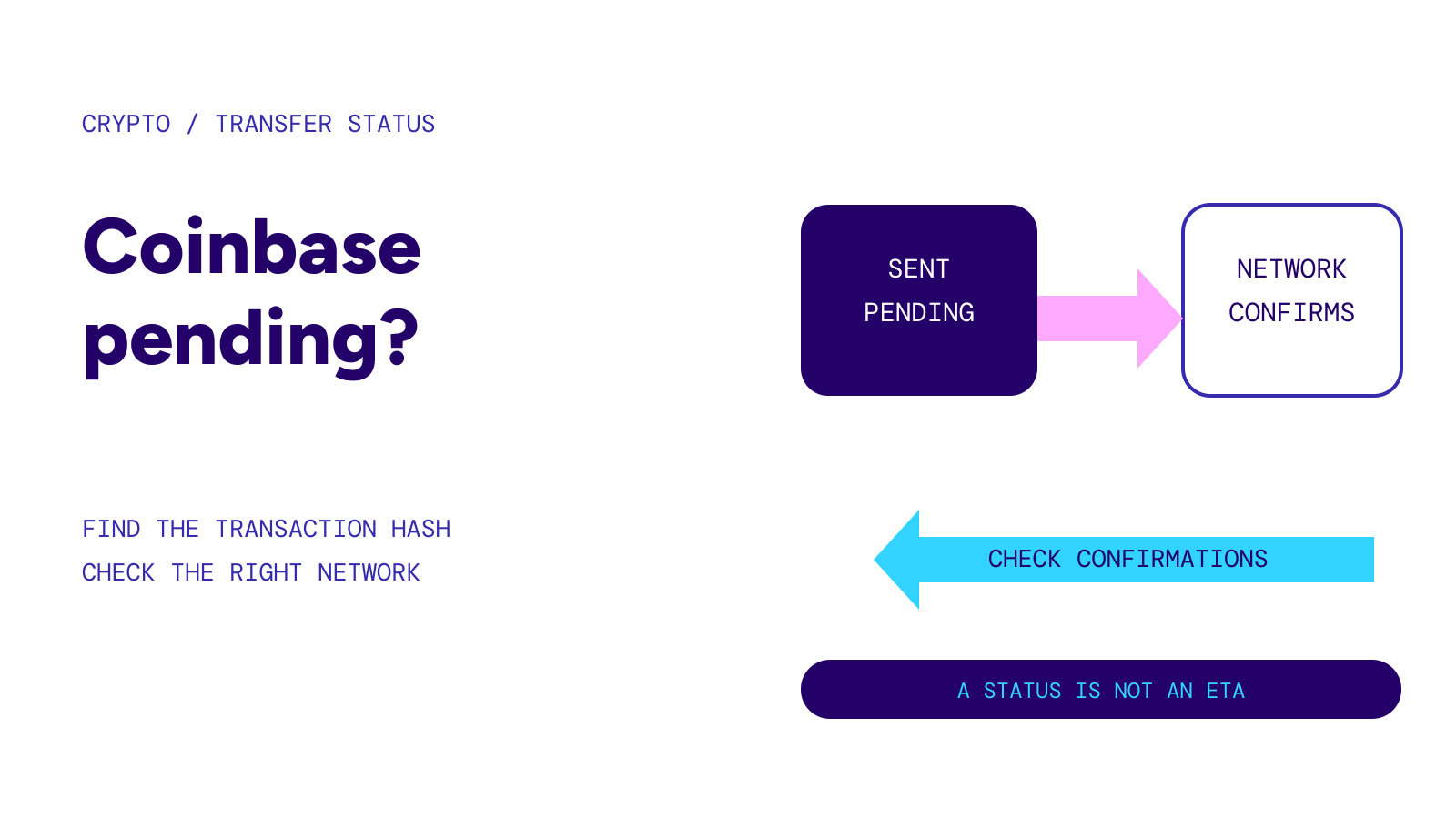
PayPal says crypto bought with a debit card is immediately available to transfer, while a bank-funded purchase may take multiple days to clear. Availability is an account status, not a blockchain confirmation count.
A transfer to another person can also remain pending while the recipient supplies information. PayPal gives the recipient 30 days. If the recipient does not finish, PayPal says the crypto is returned. The sender cannot cancel it during that waiting period.
Receiving crypto in PayPal
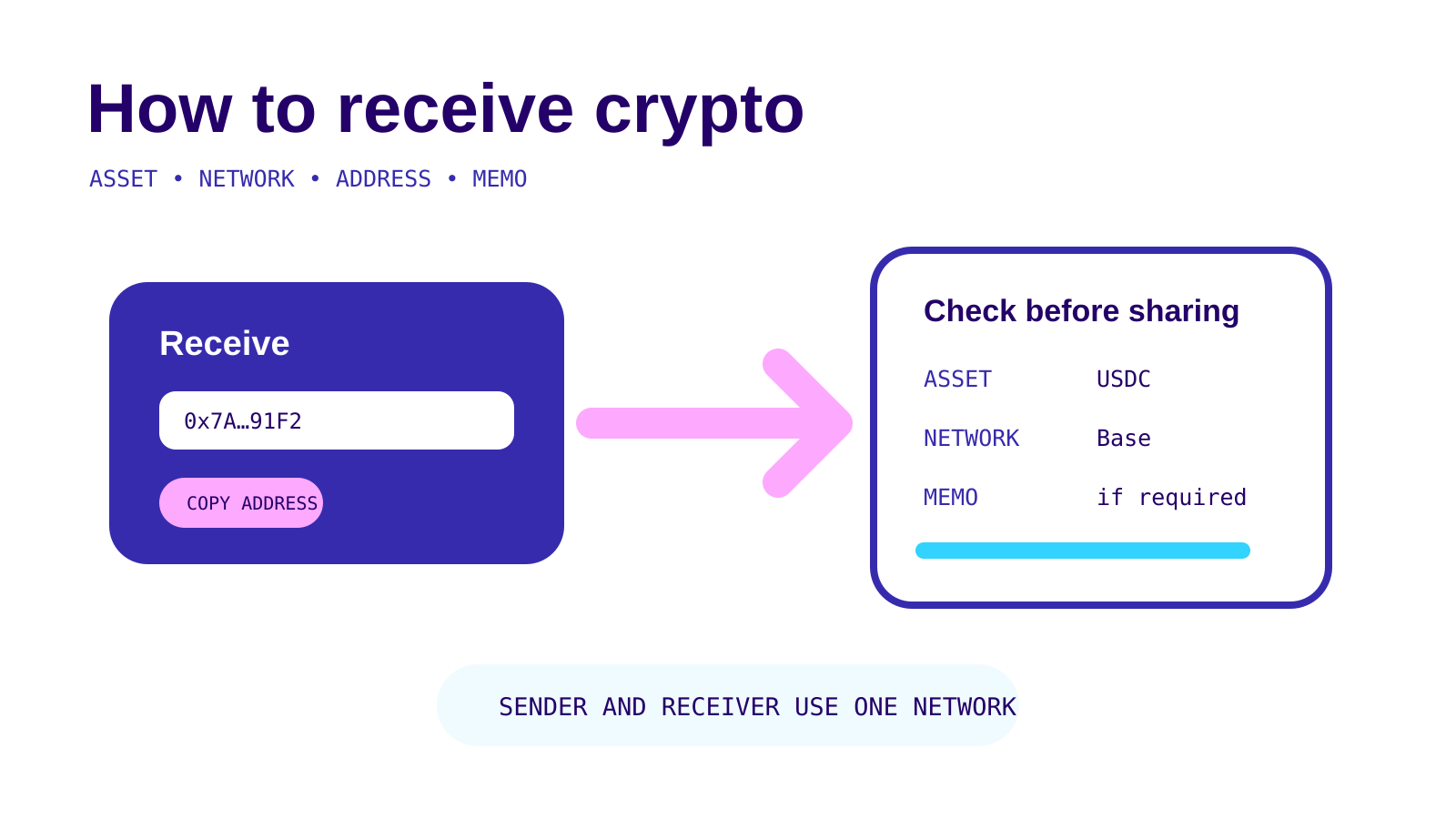
Choose Receive under the transfer arrows, then select the asset. PayPal displays an address and QR code. For PYUSD, it generates an Ethereum-compatible address by default and offers a network selector for other supported blockchains.
Generate the address for the asset and network you expect. An old screenshot is not enough. Share any memo or other extra field PayPal displays. The sender should copy all of it.
What PayPal cannot fix
PayPal says it cannot reverse crypto sent to the wrong recipient, wrong address or unsupported network after completion. Contacting support can clarify status, but it does not create a chargeback right on a completed blockchain transfer.
Do not pay a third party that promises guaranteed recovery. This guide explains transfer mechanics, not investment choices or financial advice.