Short answer
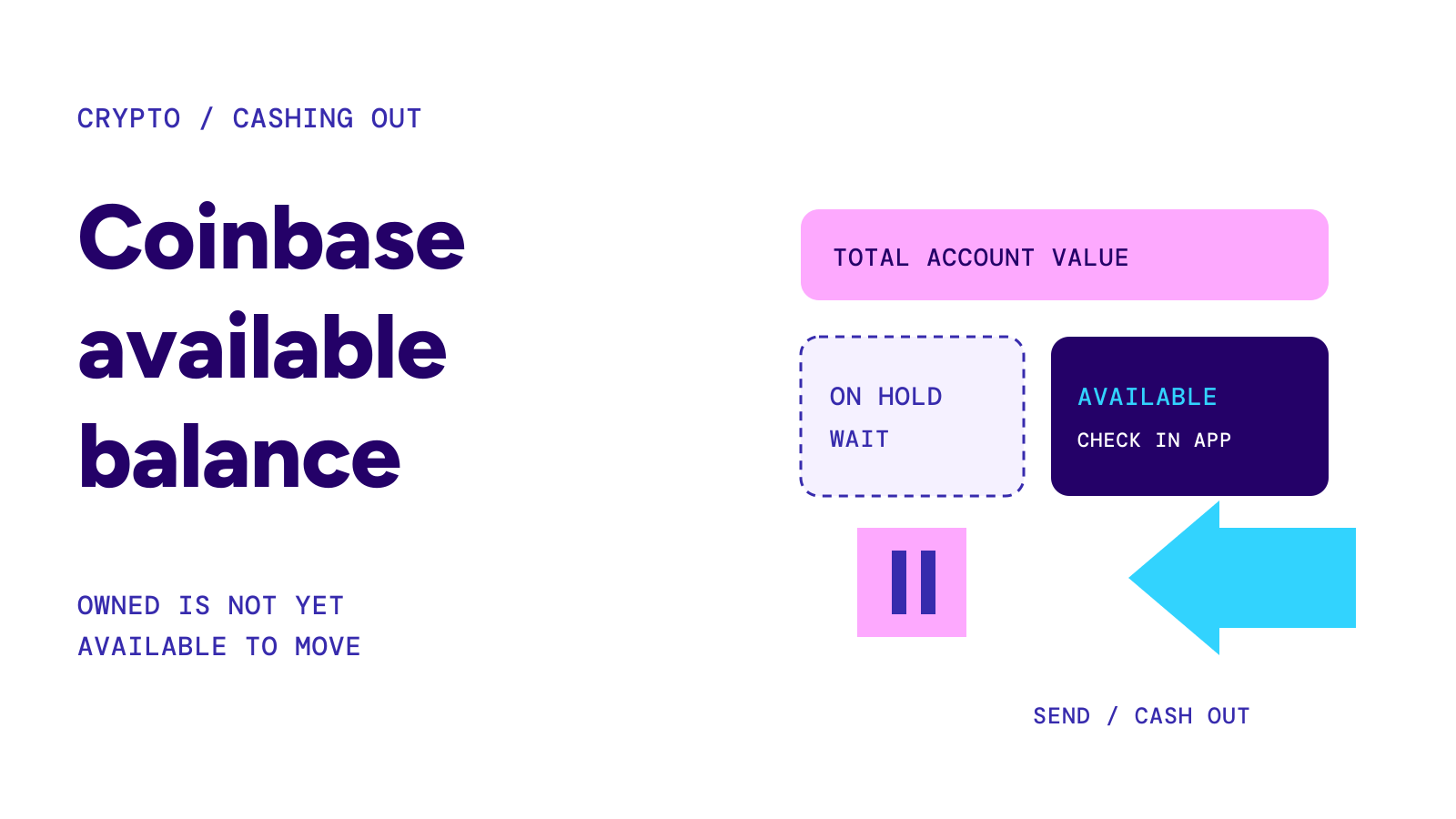
Your Coinbase available balance is the amount the account currently lets you transfer or cash out. A recent cash deposit can be on hold even while crypto bought with it can be traded. Check the availability message for the specific transaction; a total portfolio value is not a promise that the same amount can leave today.
On this page
Why a balance can be visible but unavailable
Coinbase distinguishes owning an asset, trading it on the platform and moving value out of the account. Its available-balance guidance says crypto purchased with held cash can be sold or traded on Coinbase, while sending that crypto remains restricted until the hold lifts.
Selling is therefore not a reliable shortcut around a deposit hold. Before a time-sensitive payment, check the amount available for the action you actually need: sending crypto to an external address or withdrawing cash to a bank.
| What you see | What to check next |
|---|---|
| Portfolio value, but less available to withdraw | The cash-deposit hold and available amount |
| Crypto can be traded, but not sent | Whether its purchase was funded with held cash |
| Hold date has passed, but a withdrawal is restricted | The transaction message and any separate account restriction |
| Transaction says delayed or pending approvals | Transfer protection settings and transaction details |
Source: Coinbase balance availability and transfer protection · Checked on October 21, 2026.
Find the amount and release date for your account
Start the intended transaction and open the Available tooltip. On the web, Coinbase also directs customers to Cash → US Dollar → See Balance Summary. Check the confirmation email for the stated availability date.
Do not substitute a fixed number of days from a forum for that date. Coinbase says holds depend on account and payment history, can be extended, and cannot be shortened by Support. Its current help page gives a usual expiry of 11:59 PM Pacific on the listed date, rather than a guarantee that funds unlock at the beginning of that day.
For example, if you need to pay someone Friday morning but your confirmation gives Friday as the release date, do not promise a Friday-morning transfer. Read the time and time zone before making the commitment. This is a planning example, not a measured Coinbase transfer.
Cashing out is a separate instruction
Once eligible cash is available, Coinbase’s cash-out instructions say to select Withdraw Cash, enter an amount, choose the currency and destination, and open Preview. Review the details and fee before confirming.
On the app, the route starts with Cash → Withdraw → Withdraw Cash. If you hold crypto rather than available cash, selling to a cash balance must be an available option for the account.
That sequence is for a cash withdrawal. Sending coins to another wallet is a different transaction. Check the destination and network using how to send crypto safely; do not enter a bank account as a crypto destination.
When the deposit hold is over but the transfer is not
Coinbase says some external sends or cash withdrawals can remain temporarily restricted after a deposit hold ends. Follow the message in the app. Its help page describes waiting and retrying later or, where offered, withdrawing to the originating bank account. Contact official Support if that bank account is no longer available.
Transfer protection is another possible stage. Coinbase lets customers require a delay, verification or both for outbound transactions. The transaction details can show delayed or pending approvals. Changing those settings is itself subject to the existing protections, so it should not be treated as an immediate way to release a payment.
Warning
Do not send a second payment just because the first screen is unclear. First identify whether you are looking at a held deposit, an unsubmitted withdrawal or a transaction already in progress. Use Coinbase’s own help and account channels for an account-specific restriction.