Short answer
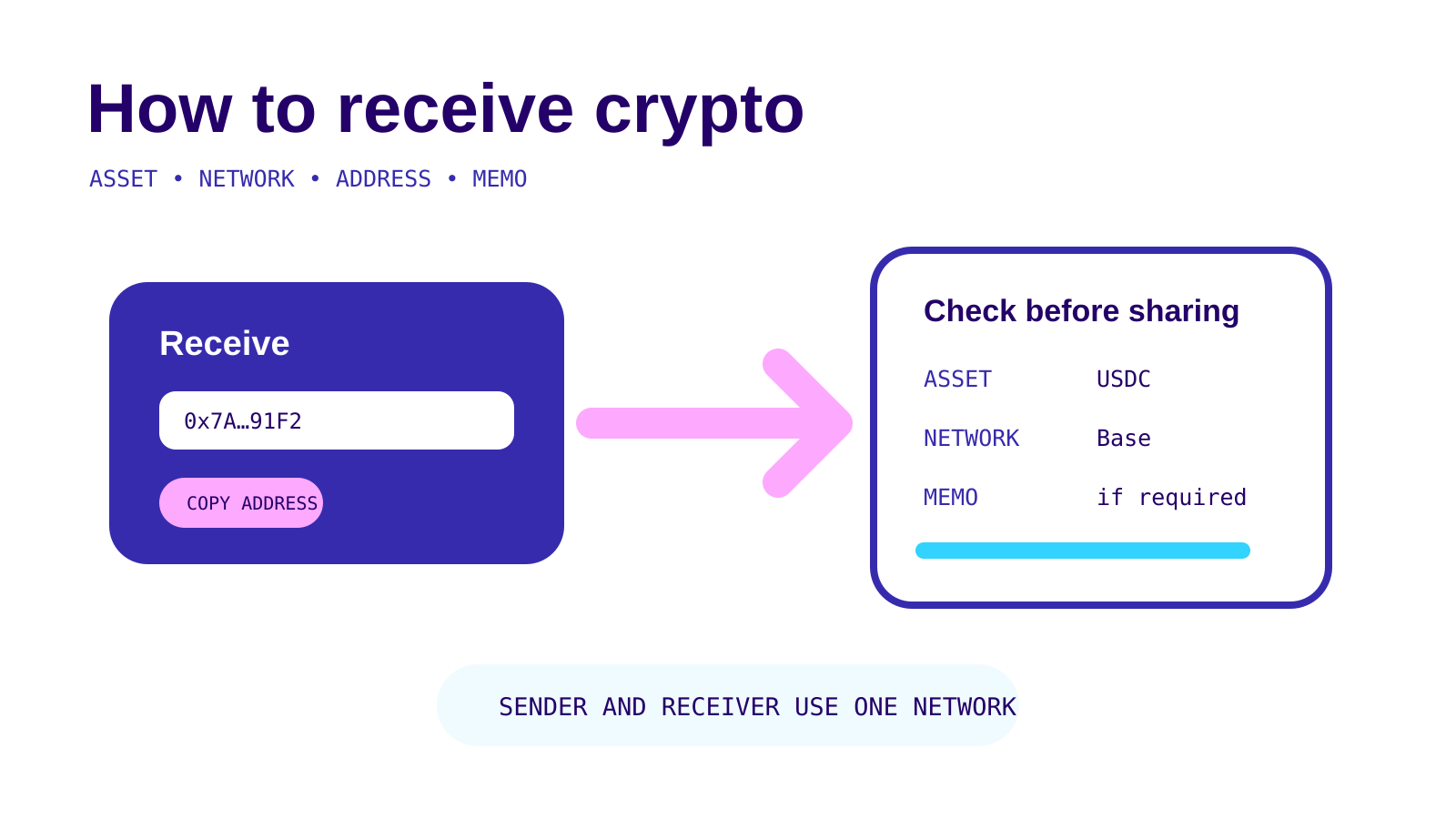
To receive crypto, choose the asset and network in the receiving wallet or exchange, copy the address it generates, include any required memo or destination tag, and give all of those details to the sender. The sender and receiver must use the same supported network.
On this page
Receiving crypto is mostly an exercise in matching details. The address alone may not be enough: an asset can exist on several networks, and an exchange may use a shared address that needs a memo or destination tag to identify your account.
At a glance
- AssetConfirm the exact cryptocurrency or token.
- NetworkChoose one supported by the receiving platform and make the sender use that same network.
- AddressCopy it from the receiving screen; do not type it from memory.
- Memo or tagShare it when the receiving screen displays one.
- Test transferConsider a small first payment when the amount is material and the sender can do so.
Sources: Coinbase Help and Kraken Support · Checked on October 28, 2026
Start on the receiving side
Open the wallet or exchange where the crypto should arrive. Select Receive or Deposit, then choose the asset. Do this before asking the sender to choose a network.
Coinbase’s current receive instructions say the app and website generate a QR code and address after the user selects the asset and network. If the asset requires a destination tag or memo, that field appears with the address. Kraken’s guide uses the same sequence: choose the asset, choose a supported network, generate an address and copy any additional required information.
This order matters because the receiving platform decides which networks it supports.
Match the asset and network
An asset name does not identify the network by itself. USDC, for example, can appear on more than one chain. A receiving platform may support some of those networks and not others.
Coinbase says the same network must be used at the sending and receiving ends, subject to a specific Polygon-and-Ethereum exception in its own flow. It also says New York customers do not have access to its multiple-network feature. Treat those as Coinbase product conditions, not general blockchain rules.
Kraken tells users to deposit only through a network available for the selected asset on Kraken. The deposit screen is the current source of truth because supported combinations can change.
Warning
A valid-looking address does not prove the network matches. Confirm the written network name at both ends before the sender approves the transaction.
For the broader mechanics, see how to send crypto safely. If a transfer has already gone to the wrong chain, use the wrong network or address guide.
Copy the address and check it twice
Use the copy button or QR code from the receiving platform. Avoid typing a long address manually.
Then compare the start and end of the pasted address with the receiving screen. A complete visual comparison is better where the wallet makes it practical. If someone sends the address through a different channel, confirm it with the recipient before paying.
A receiving address can change when you choose a different network. Coinbase explicitly says selecting another receiving network generates a new QR code and deposit address. Never reuse an address copied before the network choice changed.
Include the memo or destination tag
Some exchange deposits use a shared blockchain address for many customers. The memo or destination tag tells the exchange which account should receive the deposit.
Coinbase says a missing or incorrect memo or tag can delay a transaction or cause loss. Its help page lists XRP as using a numeric tag and assets including XLM, ATOM and others as using memos. The supported list can change, so use the field displayed in the current receive screen rather than memorising it.
Kraken’s August 19, 2026 guide calls out destination tags or memos for XRP, XLM, STX and EOS. It warns that a QR code for some assets may not carry every required field, so the sender must check that the tag or memo is included.
A private self-custody wallet usually gives each recipient a unique address and generally does not need an exchange-style memo. The receiving wallet remains the authority.
Decide whether to send a test amount
A small test can confirm that the address, network and memo work together before a larger payment. Coinbase recommends considering one when a memo or tag is involved.
A test is not free: the sender may pay a network or withdrawal fee twice, and a platform can have a minimum deposit or minimum withdrawal. Read the sending and receiving screens before splitting the transfer.
When a test arrives, generate the full payment from the same confirmed details. Recheck the destination if either side changes the network or asset.
Wait for confirmations and account credit
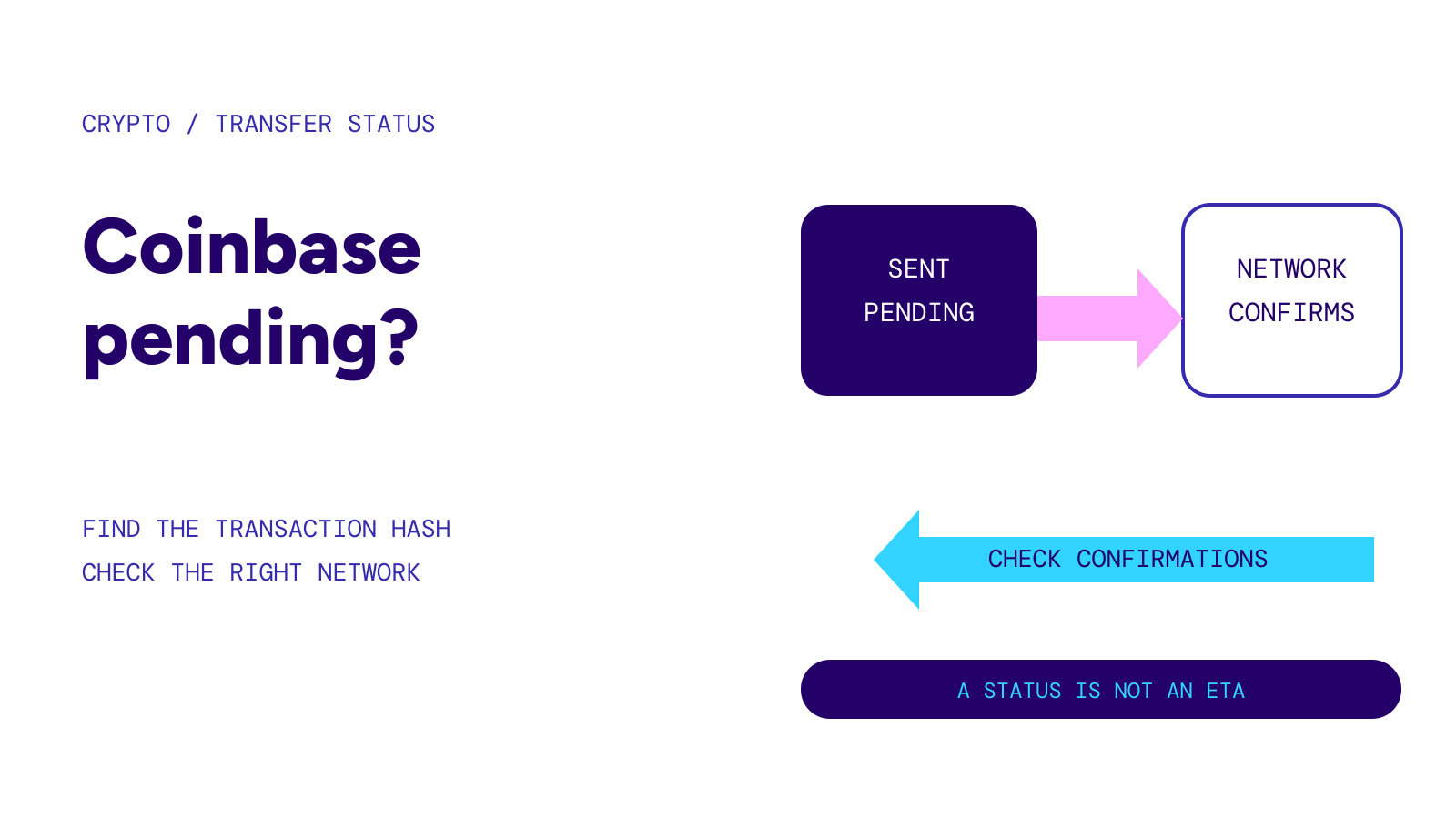
A blockchain can show the transaction before the exchange credits the account. Kraken says a deposit appears after the required blockchain confirmations. Coinbase says its app notifies the user when an inbound transfer is added to the balance.
The number of confirmations and processing time vary by asset, network and platform. A network explorer can show whether a transaction reached the address, but only the receiving platform can explain an internal crediting delay.
For the difference between network settlement and platform crediting, read crypto network fees and confirmation times.
What to send to the payer
Share a compact set of details:
- the exact asset;
- the exact network;
- the copied address or official QR code;
- the memo or destination tag, if shown; and
- any deposit minimum or warning displayed by the receiving platform.
Do not send a seed phrase or private key. Those are not needed to receive crypto. Anyone asking for them is asking for control of the wallet, not a payment destination.
If the deposit does not appear
Check these in order:
- Find the transaction hash in the sending wallet.
- Confirm that the blockchain shows the intended address.
- Compare the asset and network with the receiving platform’s deposit screen.
- Check whether a memo or tag was required and included.
- Wait for the platform’s stated confirmations.
- Contact the receiving platform through its official support route with the transaction hash.
Do not pay an unsolicited “recovery agent” or share wallet credentials. An exchange may be able to investigate a missing memo in some cases, but recovery is not guaranteed.