Short answer
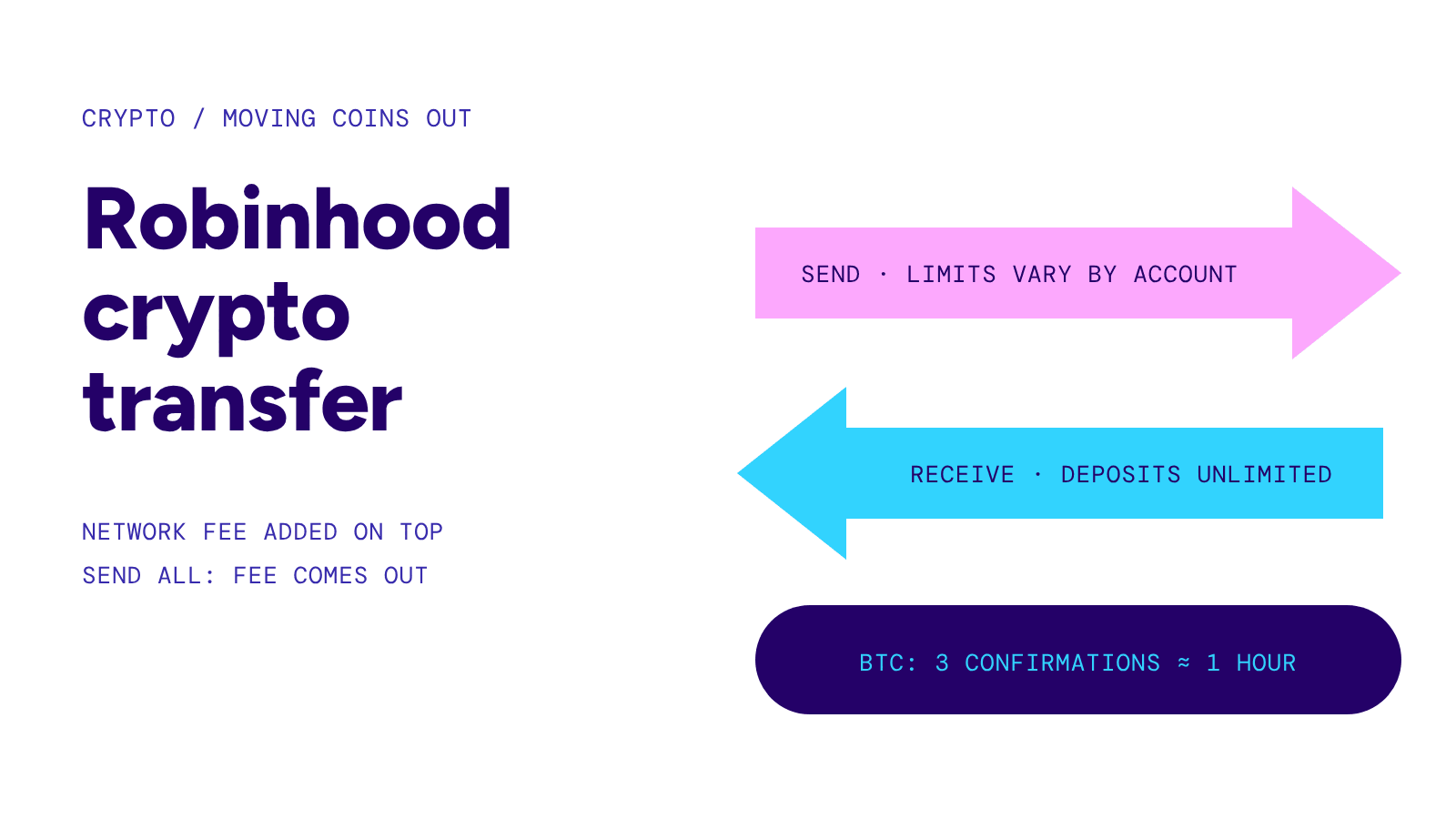
A Robinhood crypto transfer costs no Robinhood fee, only the coin’s network fee, which Robinhood adds on top of the amount you send. Deposits are unlimited; withdrawal limits are set per account from your verification and activity, change daily and cannot be raised on request. Every transfer is final once sent.
On this page
At a glance
- Robinhood feeNone to send or receive; the network fee goes 100% to the crypto network
- Withdrawal limitSet per account, can change daily; see it under Account → Menu → Crypto
- Deposit limitNone
- Before your first transferidentity verification, which can take up to 5 business days
- Incoming timingconfirmations by coin (bitcoin: 3, about 1 hour) plus a security review that usually takes minutes
- Statesavailable in every US state, Puerto Rico, the US Virgin Islands and DC
Source: Robinhood: Crypto transfers · Checked on November 15, 2026
Robinhood crypto transfer limit
Robinhood does not publish a dollar figure for crypto withdrawals. Its help page says the limit depends on how far you have verified your account, your transaction history and the payment methods you use, and that it may vary with recent activity and change daily. You see your own limit in the app under Account (person icon) → Menu (three bars) → Crypto. Robinhood says the limits currently cannot be raised manually.
Deposits have no limit. So a large balance can arrive in one transfer and still take several days to leave if it is above your current withdrawal limit.
When the app will not let you send everything you hold, Robinhood names four causes:
| What blocks part of the withdrawal | What it means |
|---|---|
| Crypto bought with an ACATS transfer bonus | The bonus is still in its hold period |
| Crypto bought with instant funds | The bank transfer behind those funds has not fully cleared |
| Daily transfer limit reached | Wait for the limit to free up |
| Funding method and other factors | Robinhood looks at how the account was funded |
Source: Robinhood: Crypto transfers, Transfer limits and FAQ · Checked on November 15, 2026
What a transfer costs
Robinhood charges nothing to send or receive crypto. The only cost is the network fee (also called a miner or gas fee), which depends on the coin and how busy its network is. The app shows the estimate before you confirm.
How the fee is taken depends on which button you use:
| You hold | You tap | Network fee shown | You send | Recipient gets |
|---|---|---|---|---|
| 250 DOGE | Send, amount 100 | 1 DOGE | 101 DOGE leaves your account | 100 DOGE |
| 250 DOGE | Send, largest amount | 1 DOGE | 250 DOGE leaves your account | 249 DOGE |
| 250 DOGE | Send All | 1 DOGE | 250 DOGE leaves your account | 249 DOGE |
The 1 DOGE fee is the example Robinhood uses; the real estimate changes with the network. With plain Send, the fee comes on top, so the most you can type is your balance minus the fee. With Send All, the fee is taken out of what you send.
For ERC-20 tokens on Ethereum, such as USDC, LINK, UNI or SHIB, the network fee is paid in ETH, but you do not need an ETH balance: Robinhood works out the ETH equivalent and takes it from the token you are sending. You cannot choose to pay that fee from your ETH instead. More on how fees and confirmations work in crypto network fees.
Source: Robinhood: Crypto transfers, Transfer fees · Checked on November 15, 2026
How long a transfer takes
Timeline
- You send from another walletthe coin goes to your Robinhood deposit address on its own network.
- ConfirmationsRobinhood waits for the number its page lists for that coin (bitcoin: 3, about 1 hour).
- Security reviewRobinhood reviews each transfer; this usually takes a few minutes, rarely longer.
- Creditedthe app tells you the crypto is available, and you can hold, sell or send it.
Robinhood lists these confirmation counts and estimates for incoming crypto:
| Coin | Confirmations | Robinhood’s estimate |
|---|---|---|
| Bitcoin (BTC) | 3 | About 1 hour |
| Ethereum (ETH) and ERC-20 tokens such as USDC | 30 | About 5 minutes |
| Solana (SOL) | 1 | About 400 milliseconds |
| XRP | 1 | About 400 milliseconds |
| Dogecoin (DOGE) | 20 | About 20 minutes |
| Litecoin (LTC) | 12 | About 30 minutes |
| Bitcoin Cash (BCH) | 15 | About 3 hours |
| Cardano (ADA) | 30 | About 10 minutes |
| Ethereum Classic (ETC) | 1,200 | About 6 hours |
Robinhood says these depend on network conditions and may take longer. A transfer that sits “in review” past the usual few minutes is in step 3; the app notifies you when it clears. To follow a send yourself, open the block explorer link Robinhood gives with the transaction hash and look at its confirmations.
Source: Robinhood: Crypto transfers, Timing and Processing times · Checked on November 15, 2026
Before you send
Warning
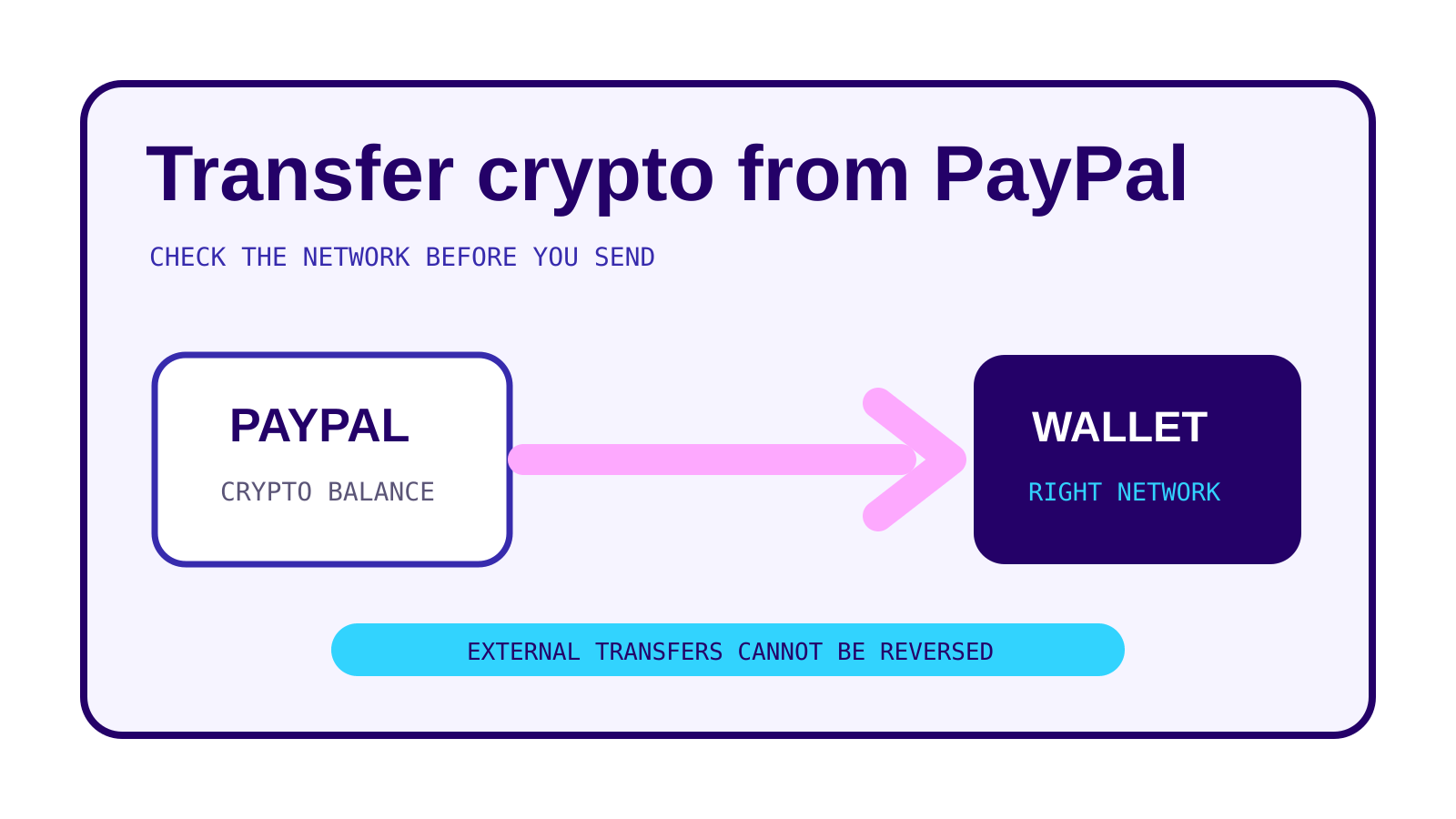
Robinhood crypto transfers are final. Once sent, they cannot be canceled or reversed, even by Robinhood. A wrong character in the address or a network the recipient does not support can lose the funds for good.
- Networks and formats: each coin goes only on its own network. For bitcoin Robinhood accepts addresses starting with 1, 3 and bc1q, not Lightning or taproot (bc1p) addresses.
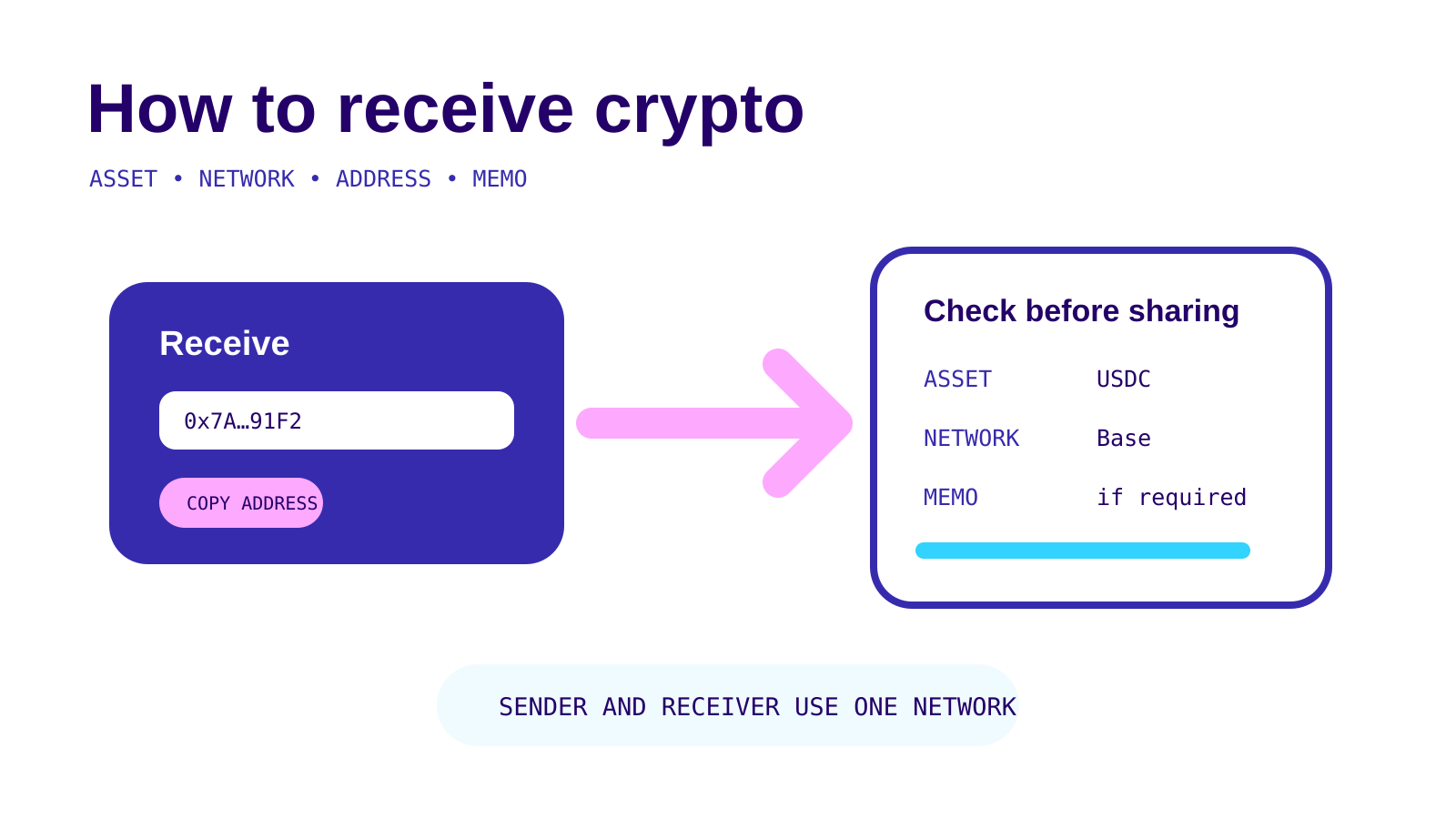
- Tags and memos: XRP needs a numeric tag and Cosmos (ATOM) a memo. Without the memo or tag a custodial deposit may never be credited. See how to receive crypto.
- Deposit address: use the address shown when you tap Receive or Deposit on the coin’s page. BTC, BCH, DOGE and LTC addresses change after each deposit; ETH and ERC-20 addresses stay the same. Never send to a Robinhood withdrawal address, and never send crypto back to the address a Robinhood withdrawal came from: it will not reach your account.
- New addresses with allowlisting: if you turn on allowlisting (Account → Menu → Crypto → Advanced security), a new address or setting change waits 48 hours. During that time you can still send to addresses already on the list, not to new ones.
- Not supported: NFTs sent to a Robinhood Ethereum address may be lost; airdrops and forks are not supported.
- New York: CASHCAT, ETH and USDG on Robinhood Chain and Arbitrum are not available for transfers there.
- Cost basis: crypto you transfer in arrives without purchase data; add it by hand if you want gains and losses calculated.
If something already went wrong, read sent crypto to wrong network. For the general checklist, see how to send crypto; to turn coins into dollars at a bank, how to cash out crypto.
Source: Robinhood: Crypto transfers · Checked on November 15, 2026