Short answer
A Cash App Bitcoin deposit uses the current address in Money → Bitcoin → Deposit Bitcoin. Deposits and withdrawals must be enabled first. Cash App’s published ceiling is $10,000 worth of bitcoin in any seven-day period, and network confirmation can take hours. Send BTC only: Cash App warns that unsupported coins, including BCH and BSV, will be lost.
On this page
At a glance
Route
Bitcoin Network deposit from an external wallet or service.
Receiving address: Copy it from Cash App immediately before sending; it changes after a successful deposit.
Published deposit limit: Up to $10,000 worth of bitcoin in any seven-day period.
Timing: Network activity can mean hours before confirmation.
Supported asset: BTC. Bitcoin Cash and Bitcoin SV are different assets.
Source: Cash App’s Deposit Bitcoin instructions, checked October 10, 2026.
A deposit is the incoming side of a transfer. Buying bitcoin inside Cash App, sending it to someone else and moving dollars to your bank are separate actions. If your question concerns an outgoing transfer, use our Cash App Bitcoin sending guide.
Get the address from the receiving account
Open Cash App, select Money, then Bitcoin and Deposit Bitcoin. Cash App says bitcoin deposits and withdrawals must be enabled before a deposit. Use the receiving details the app supplies rather than an address from a previous message, screenshot or transaction.
Cash App’s address changes after each successful deposit. That makes an old saved address a poor starting point even when an earlier payment arrived. Reopen the deposit screen, copy the current address and compare the destination in the sending service with the address you just obtained.
An address identifies the destination, not the person asking you to send money. If someone claims to be Cash App support and gives you a separate “verification” address, do not treat it as your deposit address. Obtain receiving details from your own account.
Check the asset and network before sending
The deposit instructions support Bitcoin, identified by BTC. They explicitly exclude BCH and BSV. A similar coin name is not enough, and the value shown in dollars does not make two assets interchangeable.
Look at the sending wallet’s asset and network selection before confirming. This guide concerns a Bitcoin Network deposit to a Bitcoin address. A Lightning invoice is a different payment request; do not paste it into an address field or assume the two routes share the same instructions.
Cash App’s separate sending and receiving instructions describe Bitcoin Network and Lightning payments. They also state that bitcoin transfers between $cashtags ended on December 20, 2024. That historical change does not mean dollar payments between $cashtags ended.
For a transfer between services, establish that the destination accepts the asset and route you are actually using. Our crypto transfer safety guide explains the checks before confirmation.
Warning
Cash App says sending unsupported cryptocurrencies causes loss of funds. A completed Bitcoin payment has no central reversal service. Verify the destination before committing the transfer.
Understand the seven-day deposit ceiling
The published deposit ceiling is a dollar value of bitcoin received over any seven-day period. It is not a fixed quantity of BTC, a calendar-week allowance or the amount you can withdraw to a bank.
For example, a $10,000 ceiling cannot be translated into a permanent number of bitcoin: the dollar price changes. Check the amount and account information displayed in the app before sending, especially if other deposits fall within the same seven-day window.
Do not split a transfer into smaller pieces expecting that to bypass an aggregate limit. Several deposits still contribute to the period’s total. For other Cash App limits, see the Cash App limits reference.
Separate sending status from receiving status
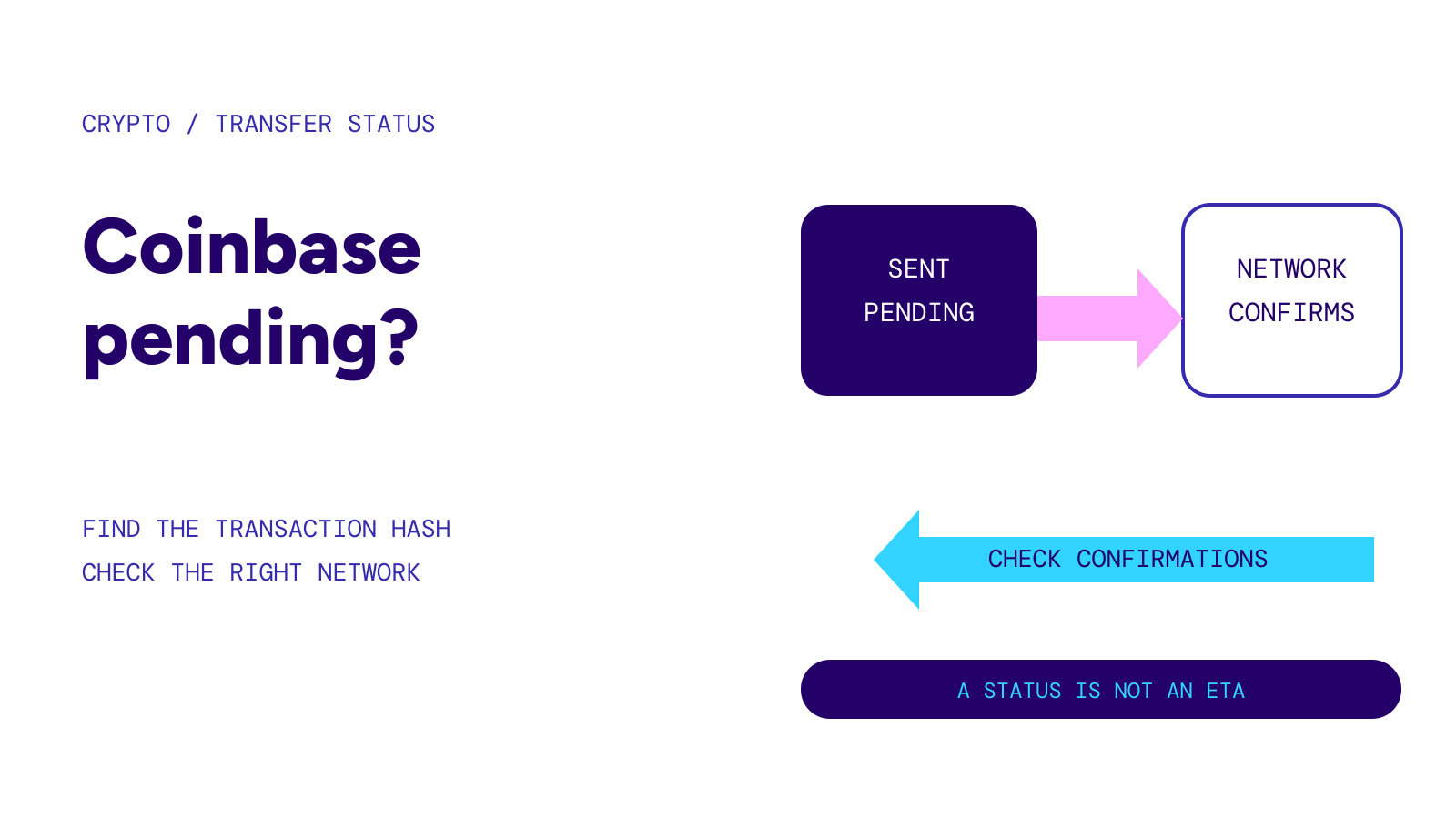
An outgoing service may show that it accepted your request before the transaction is confirmed on the network. Cash App may therefore have nothing confirmed to credit yet.
Find the transaction identifier in the sending service. Keep it alongside the amount, asset, receiving address and time. This lets you distinguish an instruction still being processed by the sender from a transaction already broadcast to Bitcoin.
Bitcoin.org explains that blocks arrive roughly every ten minutes on average, with large variation. Ten minutes is not a delivery promise, and multiplying that average does not establish when Cash App will credit a particular deposit. Cash App itself warns that network confirmation can take hours.
If the sender provides a transaction identifier, compare the transaction’s destination with the address used for this deposit and check its confirmation status. A network confirmation is useful evidence, but do not infer an app-specific crediting deadline from it. Our network fees and confirmation guide covers that distinction.
If the deposit has not appeared
Start with the sender’s transaction details and your Cash App deposit screen. Confirm that this was BTC sent over the intended route, to the address you copied for the transfer. Check whether the sender has actually broadcast the transaction.
If the network shows the transaction but the receiving balance remains unresolved, keep the transaction identifier and use support from within Cash App. Its deposit help page provides an in-app chat route. Do not send another payment to “unlock” the first one.
If the asset or destination was wrong, repeating the transfer will not repair the original. Read wrong network or address transfers before taking another action.
Questions
Where do I find my Cash App Bitcoin deposit address?
In Money → Bitcoin → Deposit Bitcoin. Copy the current receiving address each time; Cash App says it changes after a successful deposit.
Does Cash App accept Bitcoin Cash deposits?
No. Its deposit instructions support BTC and explicitly warn against BCH, BSV and other unsupported cryptocurrencies.
Is a Cash App Bitcoin deposit guaranteed within ten minutes?
No. Ten minutes is a Bitcoin block-time average, not Cash App’s deposit service deadline. Network confirmation can take hours.
Can I receive bitcoin through a $cashtag?
Cash App’s help page says bitcoin transfers between $cashtags ended on December 20, 2024. Use its current Bitcoin Network or eligible Lightning flow instead.
Sources
- Cash App: Deposit Bitcoin.
- Cash App: Sending and Receiving Bitcoin.
- Bitcoin.org: Some things you need to know.
Official documentation checked October 10, 2026.