
Short answer
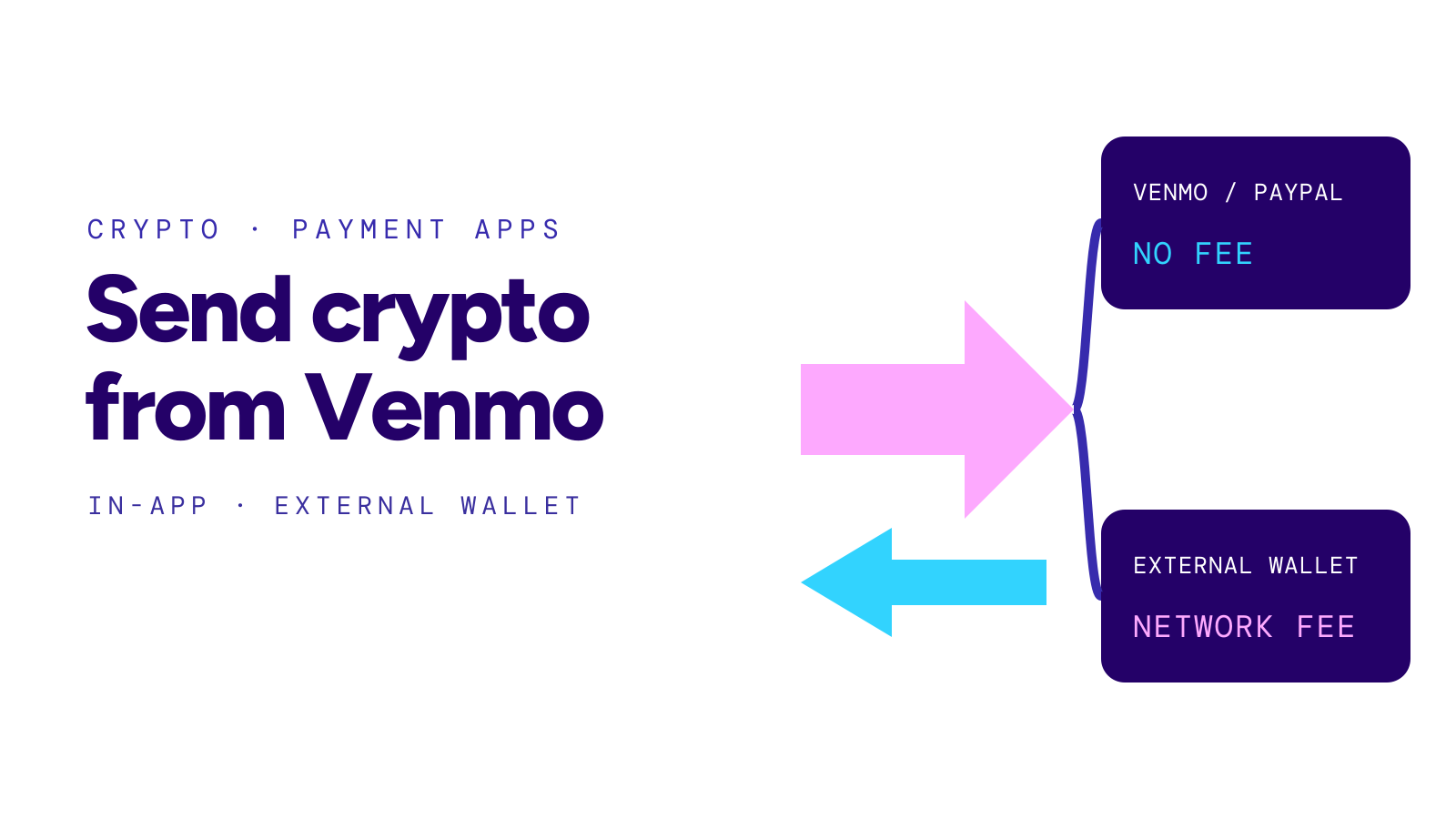
To transfer crypto from Venmo, open the Crypto tab, pick the coin, tap the transfer arrows and choose Send. Enter a Venmo username or an outside wallet address, the amount and, where offered, the network. Sends to Venmo and PayPal accounts are free; outside wallets pay a network fee. Venmo says transfers cannot be cancelled or reversed.
On this page
At a glance
Who can send
Personal Venmo accounts with identity verification complete. Business, charity and teen accounts cannot hold crypto.
Coins: Bitcoin, Ethereum, Litecoin, Bitcoin Cash, Solana and Chainlink, plus the PYUSD stablecoin.
Fee: Free to Venmo and PayPal accounts. A network fee applies to outside wallets and exchanges, shown before you confirm.
Limit: $25,000 a week in crypto transfers.
Timing: Instant to another Venmo user; minutes to hours to an outside address.
Source: Venmo: Crypto Transfers and Venmo: Cryptocurrency FAQ, checked October 13, 2026.
Buying crypto in Venmo and moving it out are separate actions. Selling crypto for dollars and moving those dollars to your bank is a third. This guide covers the transfer of the coins themselves.
Steps to send crypto from Venmo
- Open the Crypto tab and select the coin you want to send.
- Tap the transfer arrows, then Send.
- Enter a Venmo username, or paste the receiving address from the outside wallet or exchange.
- Enter the amount. Venmo calculates any fee before you confirm.
- If Venmo offers a choice of network, pick the one the receiving wallet supports. Both sides must use the same network.
- Add a memo or destination tag if the receiving platform asks for one.
- Review the details and tap Send.
Copy the address from the receiving account at the moment you send, not from an old message or screenshot. Our guide on how to send crypto covers the address, memo and test-send checks in more detail.
Source: Venmo: Crypto Transfers; checked October 13, 2026.
Fees: Venmo to Venmo versus an outside wallet
| Destination | Fee | Typical arrival |
|---|---|---|
| Another Venmo account | None | Right away |
| A PayPal account | None | Not stated separately |
| An outside wallet or exchange | Network fee shown before you confirm | Minutes to hours; the app shows an estimate |
Source: Venmo: Crypto Transfers; checked October 13, 2026.
The network fee goes to the blockchain, not to the person you are paying, and it changes with network demand. Read crypto network fees for why the same send can cost more one day than the next.
The network and address must match
Venmo warns that crypto sent to the wrong recipient, the wrong address or an unsupported network will be lost. Its own examples: bitcoin sent to a Bitcoin Cash address, or a coin sent on a layer-2 network such as Arbitrum to a wallet that accepts only the main network.
Bitcoin and Bitcoin Cash are different coins with different addresses. The same is true for Ethereum on its main network and on other networks. If you are unsure which network the receiving wallet uses, check its deposit screen before you send.
Venmo says PYUSD should go only to wallets that support it. If something has already gone to the wrong place, read sent crypto to wrong network before you try anything else.
Limits and who can use it
Venmo publishes three separate crypto ceilings: $20,000 in purchases a week, $50,000 in purchases over any 12 months and $25,000 a week in crypto transfers. Payment limits for dollar balances are separate; see Venmo limit.
Source: Venmo: Cryptocurrency FAQ; checked October 13, 2026.
PayPal’s help center says crypto on Venmo is for personal profiles; business, charity and teen accounts are not eligible. Crypto held in Venmo is custodied by Paxos Trust Company and is not FDIC insured.
After you press Send
A transfer cannot be cancelled or reversed once sent. Venmo emails a confirmation that includes the transaction hash. You can paste that hash into a blockchain explorer for the coin to see whether the transfer has confirmed and where it went.
A send to someone who has not verified their identity on Venmo waits up to 30 days. If they do not complete verification in that time, the crypto returns to you.
To turn crypto into dollars in a bank account instead, read how to cash out crypto.
Receiving crypto on Venmo
To receive from an outside wallet, open the coin in the Crypto tab, tap the transfer arrows and choose Receive. Venmo says your receiving address changes each time, and earlier addresses keep working. Send only the same coin on a network Venmo supports for it.
Questions
Does Venmo charge a fee to transfer crypto?
Not to another Venmo or PayPal account. A network fee applies when you send to an outside wallet or exchange, and Venmo shows it before you confirm.
How long does a Venmo crypto transfer take?
Transfers to Venmo users arrive right away. Transfers to outside addresses take from minutes to hours depending on the network, and the app shows an estimate.
Can I cancel a crypto transfer on Venmo?
No. Venmo says crypto transfers cannot be cancelled or reversed, so check the address and network before you send.
How much crypto can I transfer from Venmo?
Venmo’s published limit is $25,000 a week in crypto transfers.
Sources
- Venmo: Crypto Transfers.
- Venmo: Cryptocurrency FAQ.
- PayPal: Venmo frequently asked questions on cryptocurrency.
- Venmo: About crypto.
Official documentation checked October 13, 2026. This is factual transfer information, not investment advice.